4 Software
Settings
To change the general settings:
1.
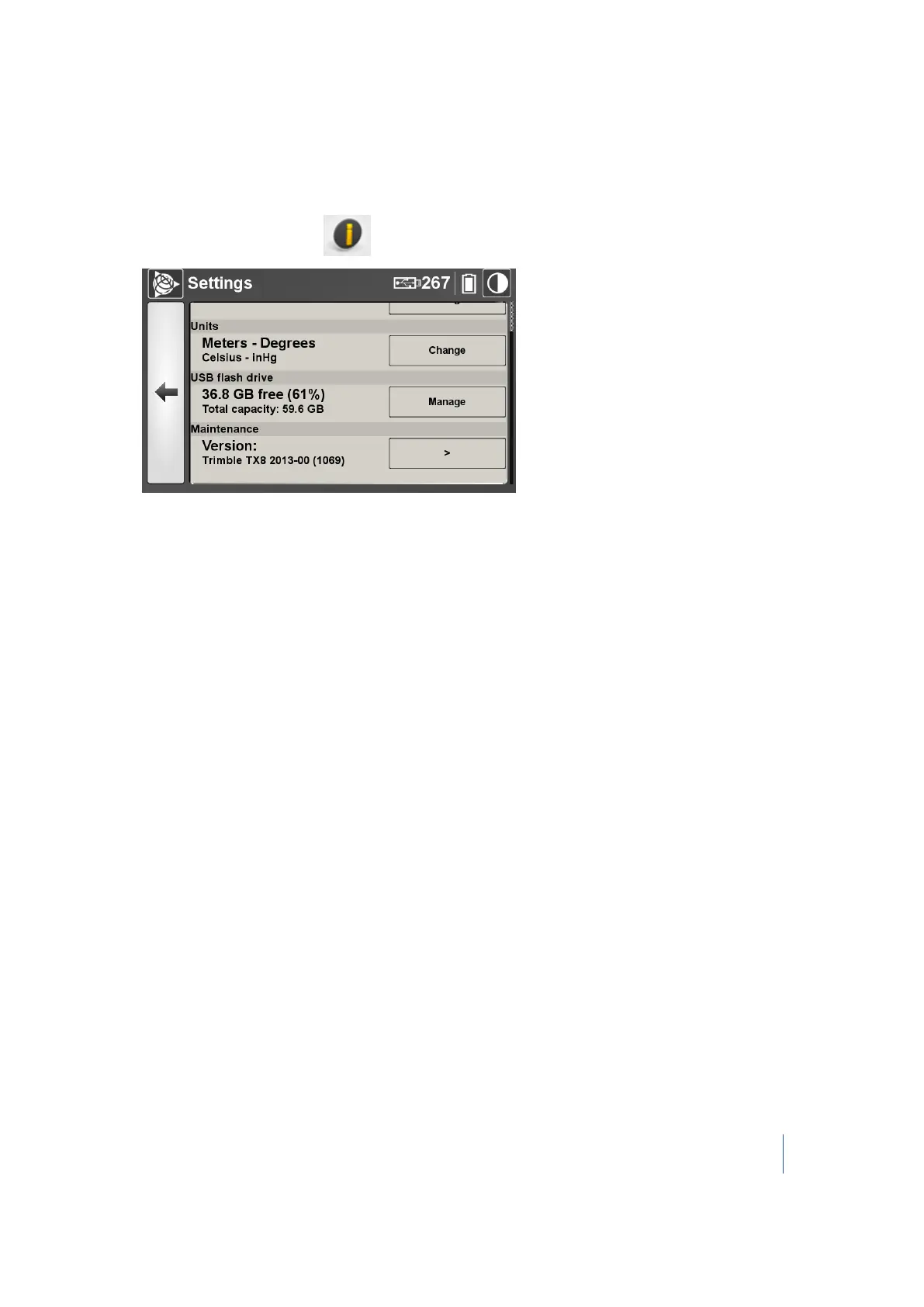
From the main menu, tap . The Settings dialog appears:
2.
In this dialog, you can:
l l Set the date and time. See page 84.
l Select the measurement units. See page 85.
l Manage the USB flash drive. See page 85.
l Maintain the system. See page 87.
l Set the scanning face. See page 92.
Trimble TX8 3D Laser Scanner User Guide 83



 To Next Page