4 Software
Selecting the measurement units
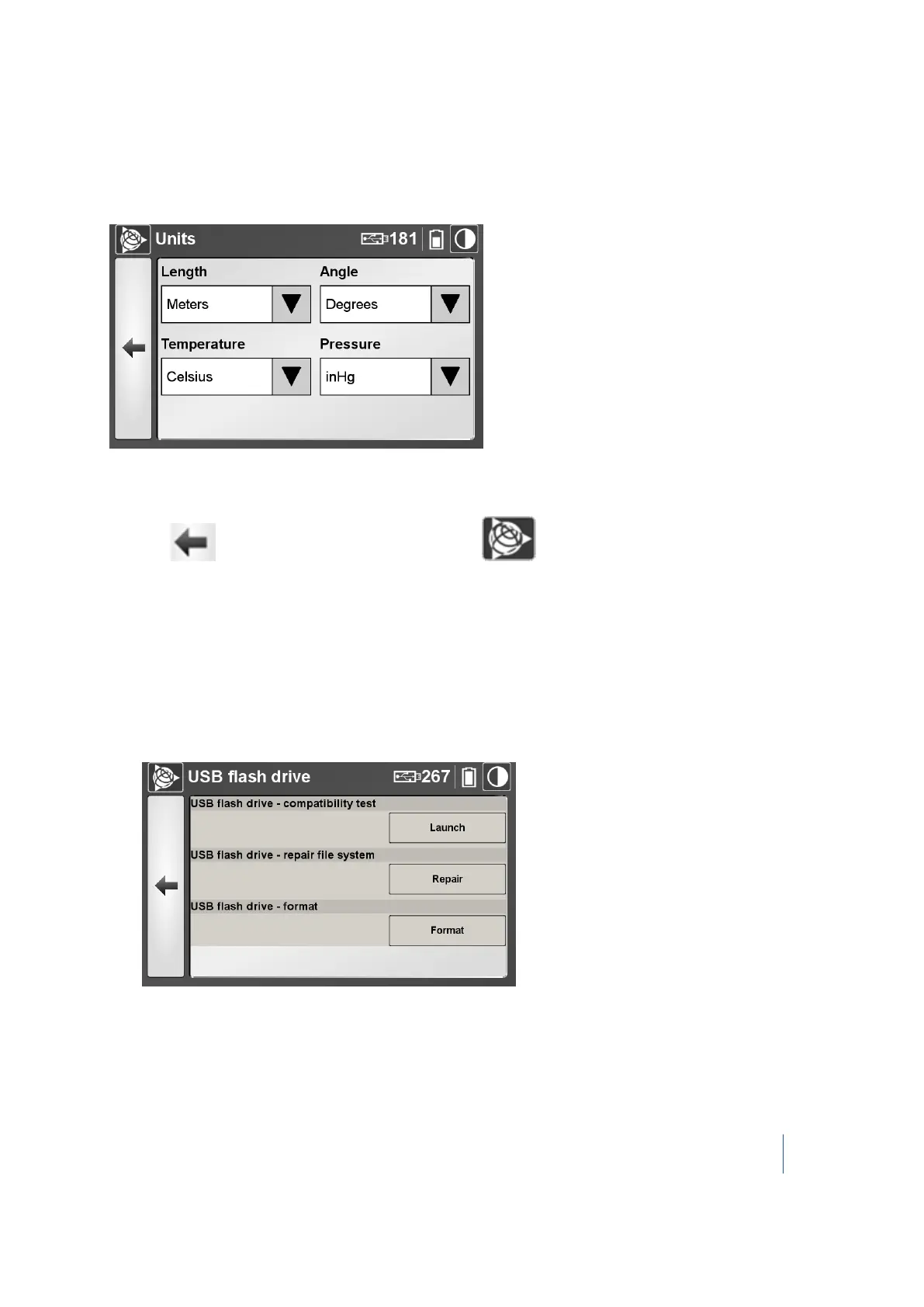
The Units panel shows the current unit of measurement for the length, angle, temperature, and
pressure:
1. Next to the each field, tap the down arrow and select the required units for length, angle,
temperature, and pressure.
2.
Tap to return to the Settings dialog or tap to return to the main menu.
Managing the USB flash drive
The USB flash drive panel shows the total capacity of the USB flash drive in GB, and the remaining
storage capacity of the drive, in percentage. You can also test the speed of the attached USB drive,
check it for errors, repair it, or format it.
To manage the USB flash drive:
1.
In the USB flash drive panel, tap Manage. The USB flash drive dialog appears:
2.
In this dialog, you can:
l l test for USB flash drive compatibility. See page 86.
Trimble TX8 3D Laser Scanner User Guide 85



 To Next Page