4 Software
Applying an atmospheric correction
The instrument uses the EDM (Electronic Distance Measurement) technology to collect points.
Distance measurement is function of the velocity of light in the atmosphere and the velocity of light
depends on the refractive index of air, temperature, pressure, and humidity. The Atmospheric
Correction feature applies corrections to the distance measurement—expressed in PPM (Parts Per
Million)—according to these atmospheric conditions.
The default PPM value is zero. This value can be entered or it can be computed from both the
Pressure value and the Temperature value.
To change a PPM value:
1.
In the Atmospheric correction panel of the Scan parameters dialog (see page 72), tap Change.
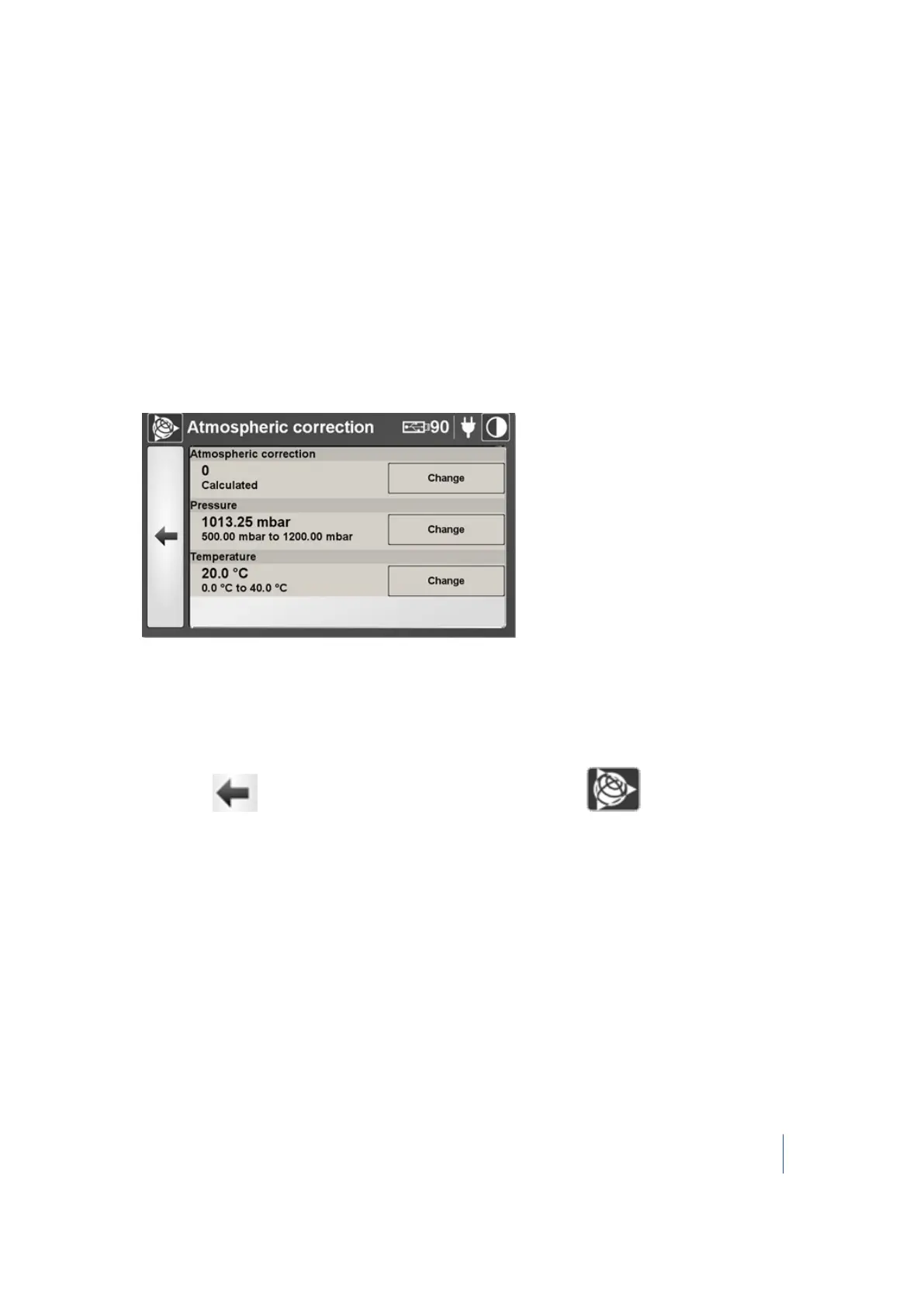
The Atmospheric correction dialog appears:
2. In this dialog, you can:
l l Enter a PPM value. See page 78.
l Change the Pressure value. See page 78.
l Change the Temperature value. See page 79.
3.
Either tap to return to the Scan Parameters dialog or tap to return to the main
menu.
Note – The new PPM value, once defined, remains unchanged and is applied to scans from when it
has been defined until you change it again or even if the scanner has been turned off and on or
after an update of the firmware.
Note – The PPM value will not be updated if only one of the two parameters (either the Pressure or
the Temperature) is defined.
Trimble TX8 3D Laser Scanner User Guide 77



 To Next Page