4 Software
The newly input Pressure value will not update the current PPM value if there is no value in the
Temperature panel (the current PPM value equal to Zero). You also need to define the Temperature
value.
Changing the Temperature value
To change the temperature value:
1.
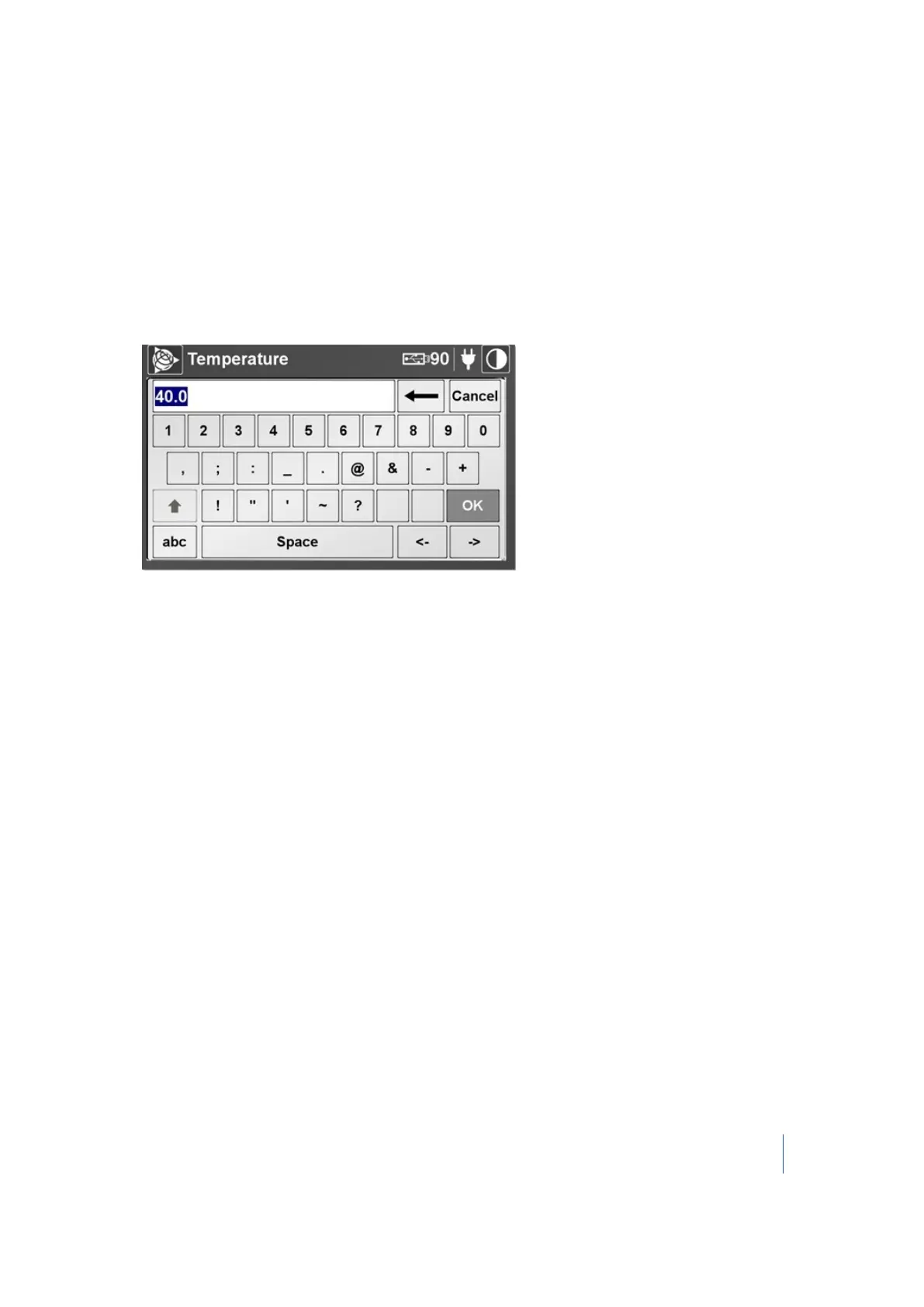
In the Temperature panel, tap Change. An on-screen keyboard appears with the current
temperature highlighted or a blank field:
The keys you can use are 0, 1, 2 ... 9 and ".". The value you can enter ranges from 0 °C to +40 °C.
If you enter a value lower than 0 °C or higher than 40 °C, the value is automatically rounded to 0
°C or to 40 °C.
2. Enter a value and then tap OK. The on-screen keyboard disappears. The new value is then
displayed with the unit of measurement that is defined in the Settings screen (see page 83).
The newly input Temperature value will not update the current PPM value if there is no value in the
Pressure panel (the current PPM value equal to Zero). You also need to define the Pressure value.
Trimble TX8 3D Laser Scanner User Guide 79



 To Next Page