4 Software
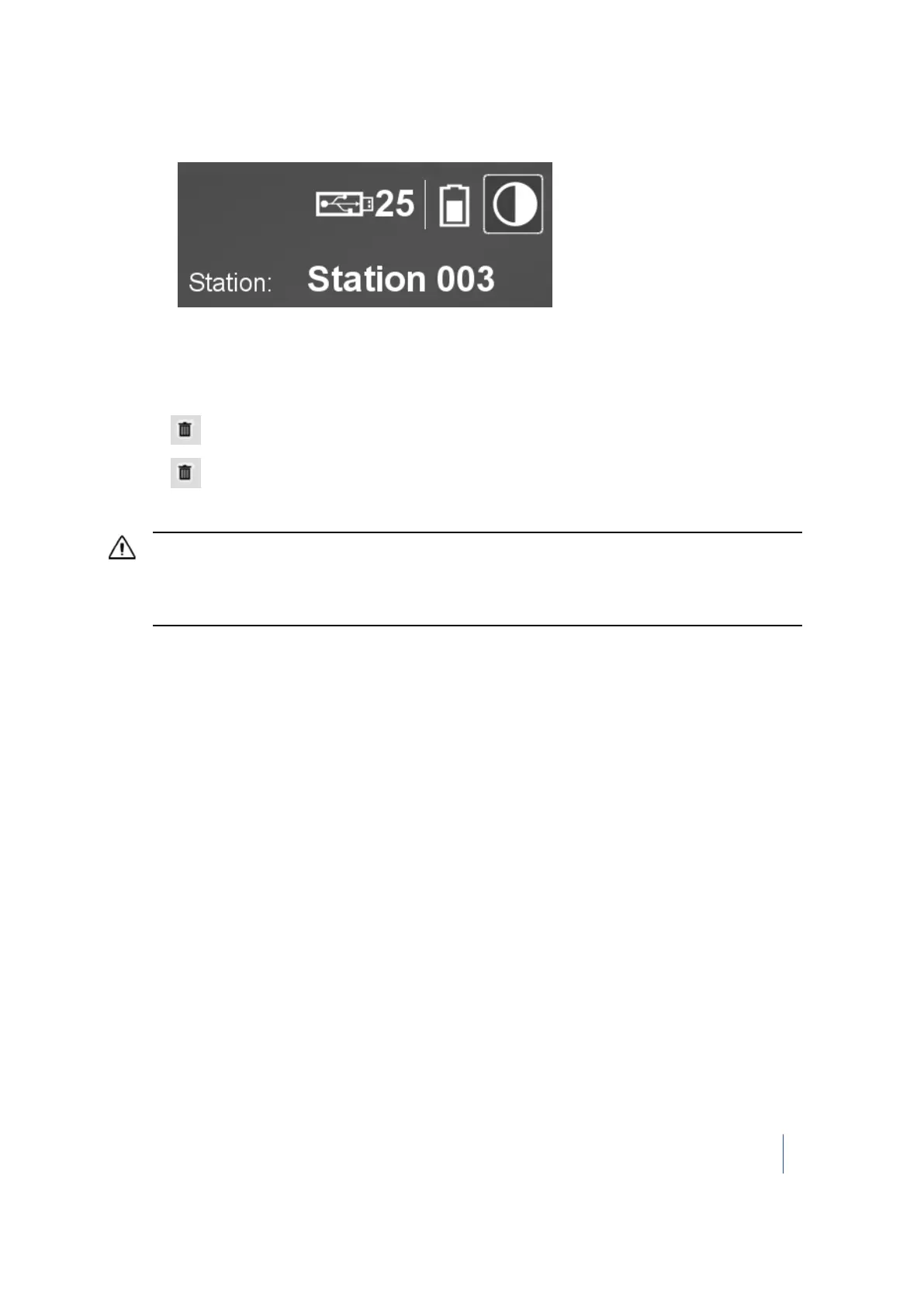
Tip – The name on the main menu is the name of a new station:
Deleting a station
Deleting a station deletes all the scans associated with that station.
1.
Tap . A Delete icon appears next to each station, in place of the thumbnail.
2.
Tap next to the station that you want to delete. A dialog appears and prompts you to
confirm the deletion. Tap OK.
CAUTION – You may see that the station is removed from the list on the touch screen. The "Project XXX_Station
XXX_Scan XX.TZF" file(s) that is related to the deleted station is also removed from the RealWorks project folder
(with an RWI extension) on the USB flash drive. Wait a while, otherwise, the file(s) will not be deleted from the
USB flash drive.
Trimble TX8 3D Laser Scanner User Guide 59



 To Next Page