4 Software
Viewing a scan
1. If required, open a project.
2. In the list of stations, tap on a station thumbnail beside the station to load.
3.
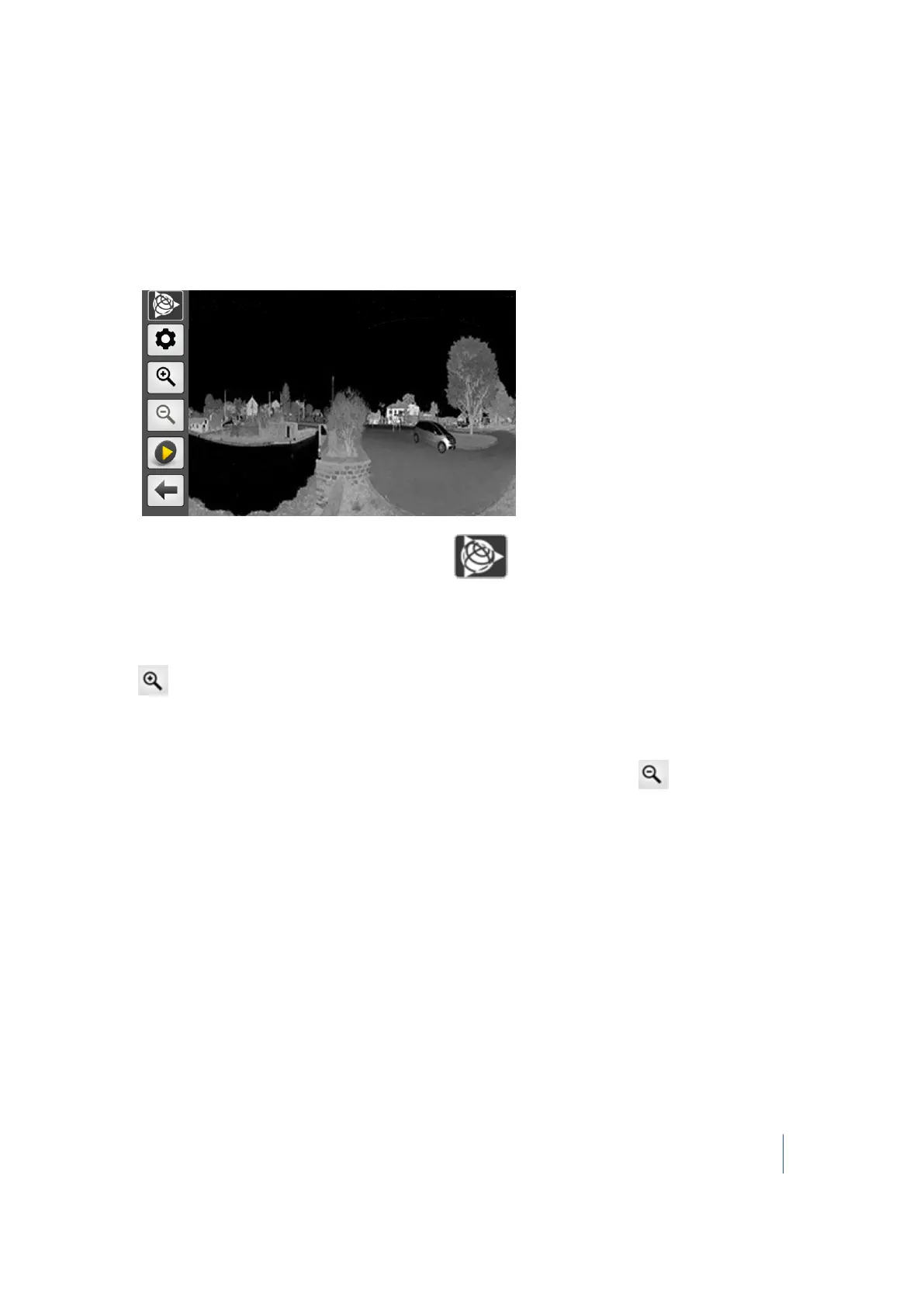
In the list of scans, tap a thumbnail image corresponding to the scan to be opened. The Lpic
related to the loaded scan appears:
Note – If you leave the displayed Lpic by tapping , this returns you to the main menu. If
you tap the Projects icon, this will not display the list of stations but the list of scans.
Zooming In
Tap .
Zooming out
After zooming in, the Zoom Out button becomes enabled. To zoom out, tap .
Panning
Drag and drop the scan data in a given a direction to pan it in that direction.
Trimble TX8 3D Laser Scanner User Guide 67



 To Next Page