4 Software
Advanced features
The Extended Range feature is an optional upgrade that increases the scanning range of your
instrument to 340 meters.
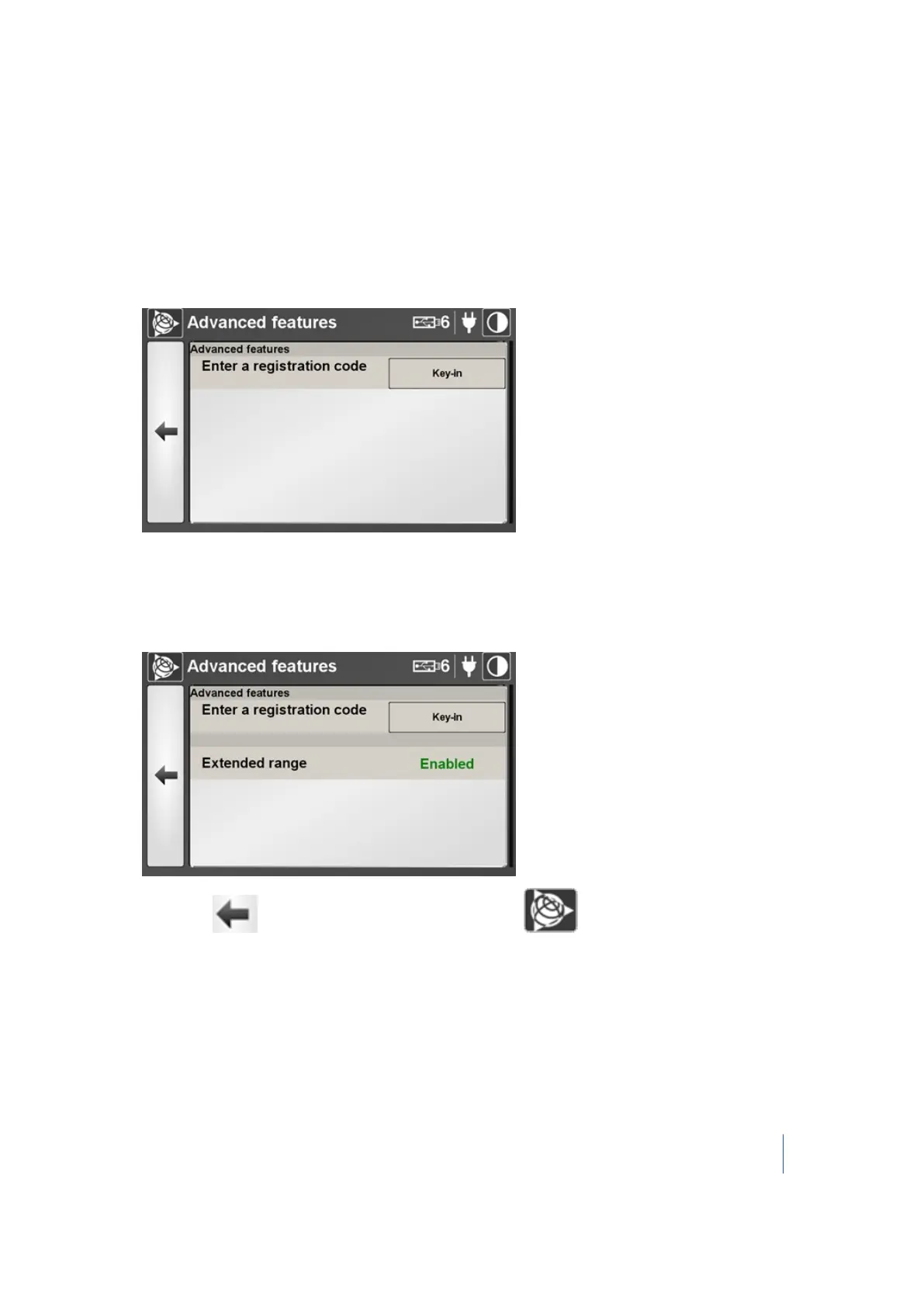
To activate the Extended Range feature:
1.
In the Advanced features panel of the Maintenance dialog, tap > (see page 87). The Advanced
features dialog appears:
2. Tap Key-In. An on-screen keyboard appears.
3. Enter the Registration Code (for purchasing information, please contact your local Trimble
authorized dealer).
4.
Tap OK. The on-screen keyboard disappears. The Extended Range feature is now enabled.
5.
Either tap to return to the Settings dialog or tap to return to the main menu.
Trimble TX8 3D Laser Scanner User Guide 90



 To Next Page