4 Software
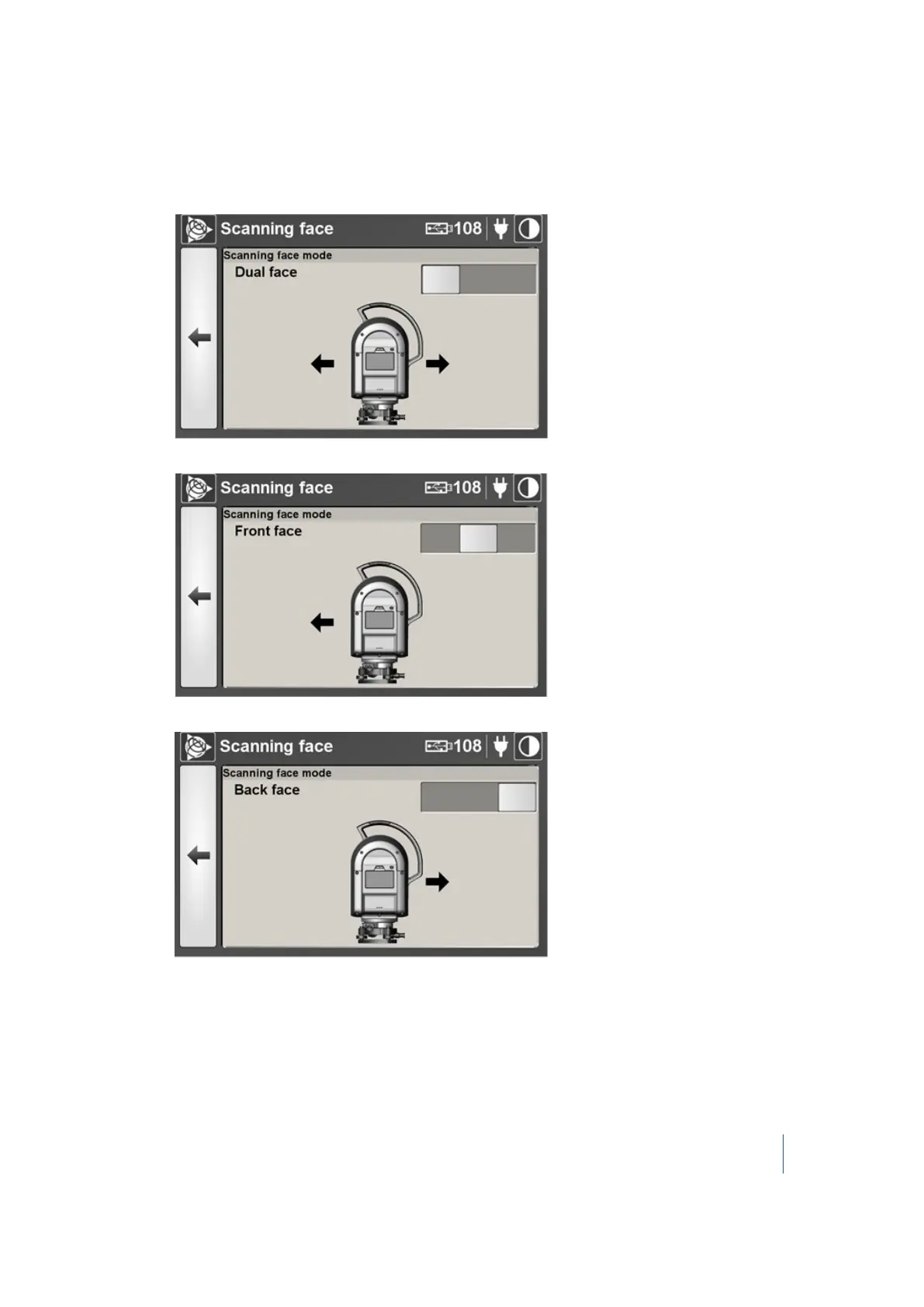
2. On the Scanning Face page, you can do the following:
l l To set the scanning face mode to Dual face (the recommended default setting), move the
slider to the left position.
l To set the single-face scanning mode to Front face, move the slider to the middle position.
l To set the single-face scanning mode to Back face, move the slider to the right position.
Trimble TX8 3D Laser Scanner User Guide 93



 To Next Page