INSTRUMENTS
58
Riding Modes
To access the Riding Modes menu:
▼ From the Main Menu, press the Up/
Down button to select Riding Modes.
▼ Press the Right button to view the
available options.
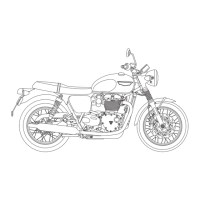
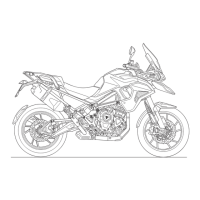
Trident and TigerSport
Rain
Road
Reset To Defaults
Daytona660
Rain
Road
Reset To Defaults
Sport
▼ Press the Up/Down button to select
the required riding mode. Press the
Select button to confirm.
▼ Press the Right button to view the
relevant setting options for the
selected riding mode.
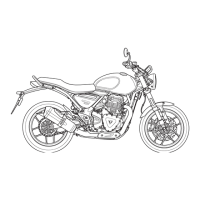
ABS
MAP
TC
Reset To Defaults
To change the MAP or Traction Control
(TC) settings:
NOTICE
The ABS is set to Standard (factory
default settings) for all riding modes
and cannot be changed.
▼ Press the Up/Down button to select
the setting.
▼ Press the Right button to view the
available options.
▼ Press the Up/Down button to scroll
through the options.
▼ Press the Select button to select the
required option for the specific
setting.










 To Next Page