INSTRUMENTS
70
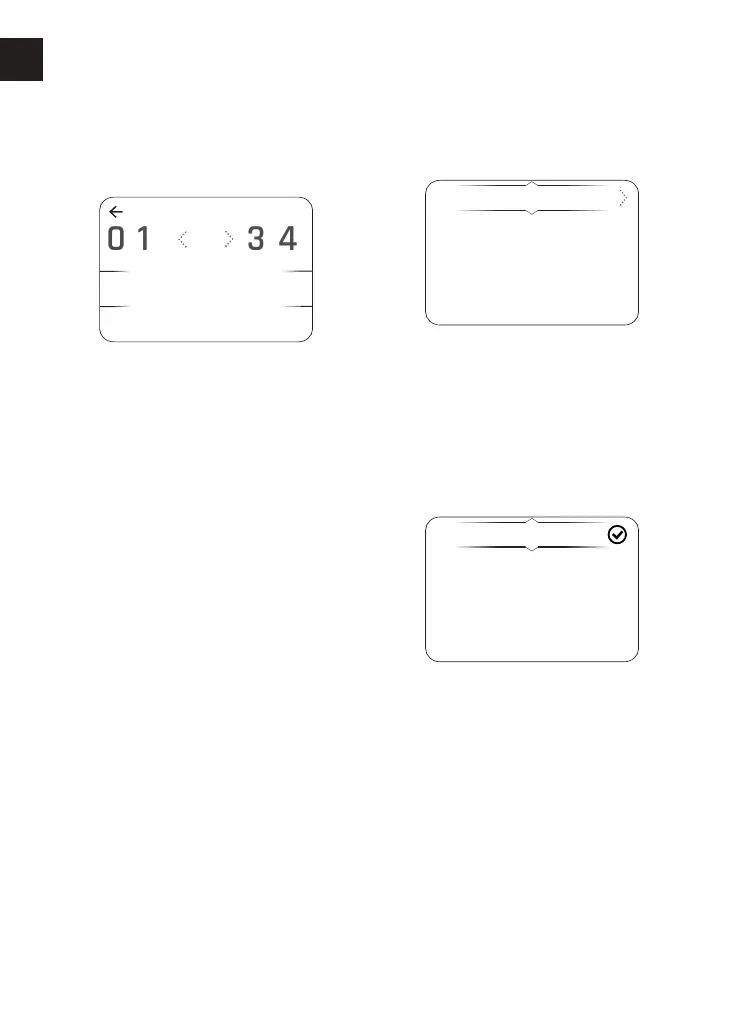
To adjust the hour setting:
▼ Select Hours and press the Right
button to be shown the HOURS
display.
▼ Press the Down button to highlight
the numbers.
▼ Press the Left/Right button to scroll
through to the delete symbol.
▼ Press the Select button to delete
each number.
▼ Press the Left/Right button to scroll
through the numbers to select the
correct time in hours. Once the
required number is highlighted, press
the Select button to confirm. The
number appears below. Repeat this
step to select the next number.
▼ When the hour number is correct,
select ENTER and press the Select
button to confirm. This will revert
back to the previous screen.
To adjust the minute setting:
Repeat the procedure used to set the
hour by selecting Minutes.
Display Setup - Date
The Date menu allows the date and date
format to be adjusted.
To set the date format:
▼ From the Display Setup menu, press
the Up/Down button to select Date.
Press the Right button to view the
available options.
▼ Press the Up/Down button to select
Date Format. Press the Right button
to view the available options.
DD-MM-YYYY
MM-DD-YYYY
YYYY-MM-DD
▼ Press the Up/Down button to select
the required date format option.
Press the Select button to confirm. A
tick is shown to indicate the selected
option.












 To Next Page