INSTRUMENTS
67
Display Setup - Visible Trays
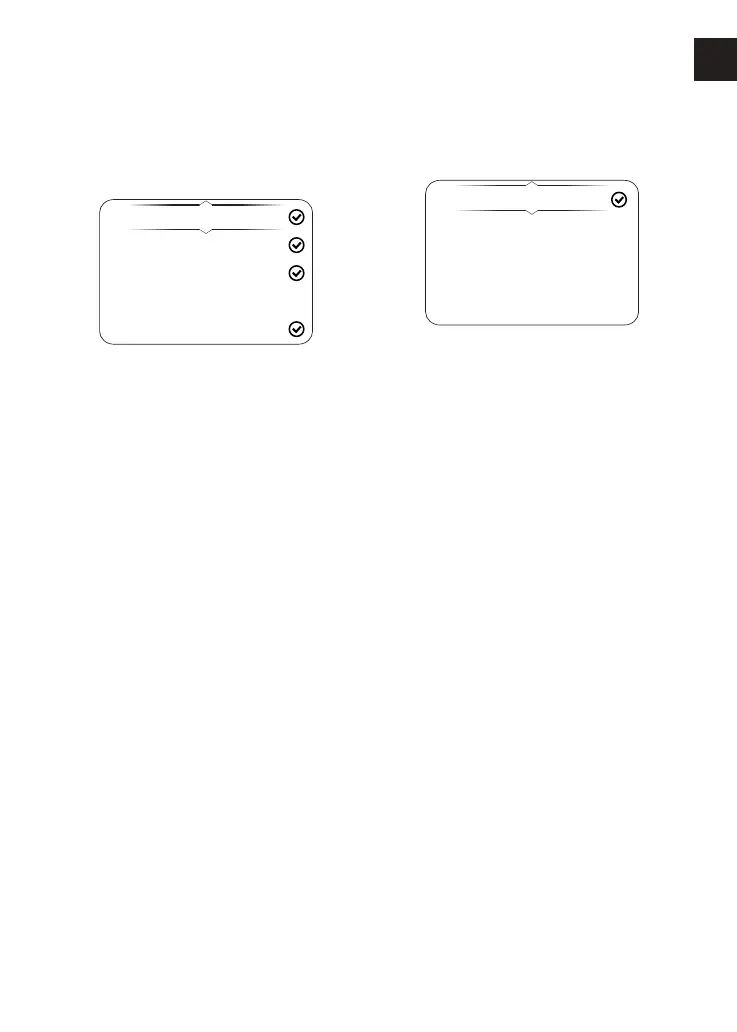
The Visible Trays menu allows the
selection of the items to be shown in
the information tray.
Trip 1
Trip 2
Fuel Status
Coolant
TPMS
To select the Visible Trays menu:
▼ From the Display Setup menu, press
the Up/Down button to select Visible
Trays.
▼ Press the Right button to view the
available options.
▼ Press the Up/Down button until the
required information tray item is
highlighted.
▼ Press the Select button to select/
deselect the information tray.
▼ An information tray item with a tick
next to it will be shown in the
information tray. An information tray
item without a tick next to it will not
be shown in the information tray.
Display Setup - Shift Indicator
The Shift Indicator menu allows the
adjustment of the gear shift indicator.
Running In
Default
User Defined
Disabled
The engine speed threshold can be
defined and reset, and the gear shift
indicator can be disabled. Once the
engine has been run in (at 1,000 miles),
the Running In option is replaced with a
Default option.










 To Next Page