INSTRUMENTS
66
Display Setup Menu
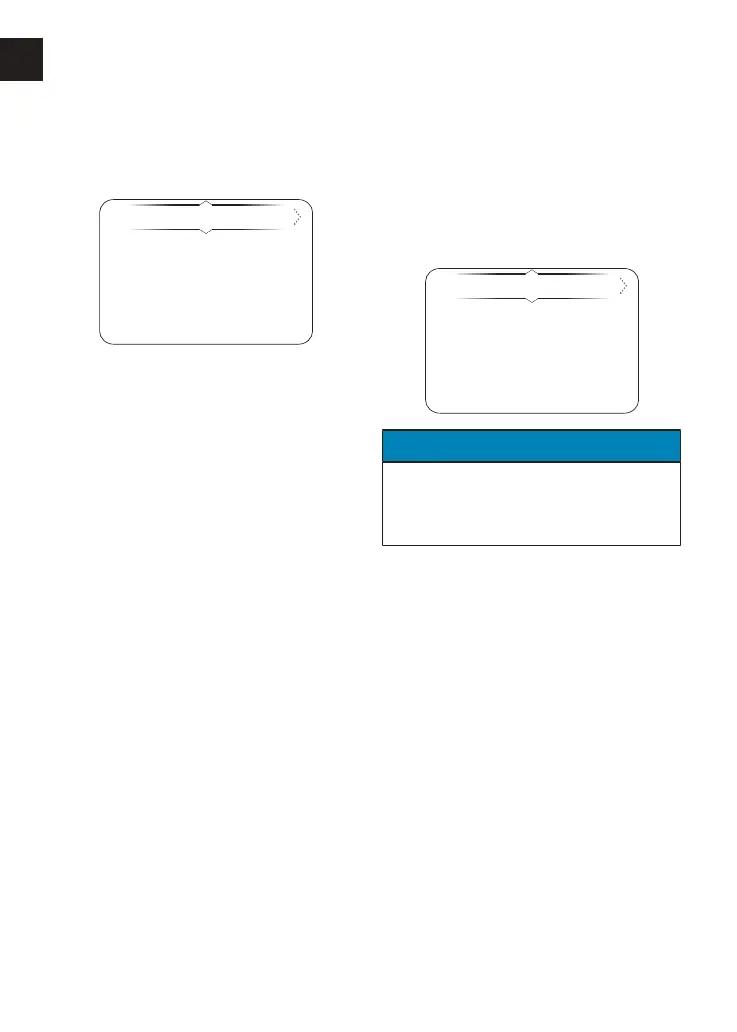
The Display Setup menu allows
configuration of the different display
screen options.
Brightness
Visible Trays
Shift Indicator
Language
Units
To access the Display Setup menu:
▼ From the Main Menu, press the Up/
Down button to select Display Setup.
▼ Press the Right button to view the
available options.
▼ Select the required option from the
list to access the relevant
information.
Display Setup - Brightness
There are eight levels of brightness
options to select from. Level 7 is the
brightest option.
To adjust the brightness:
▼ From the Display Setup menu, select
from 0 to 7 to adjust the Brightness.
NOTICE
In bright sunlight, low brightness
settings will be overridden to make
sure that the instruments can be
viewed at all times.









 To Next Page