Page 58
Start cycle by clock
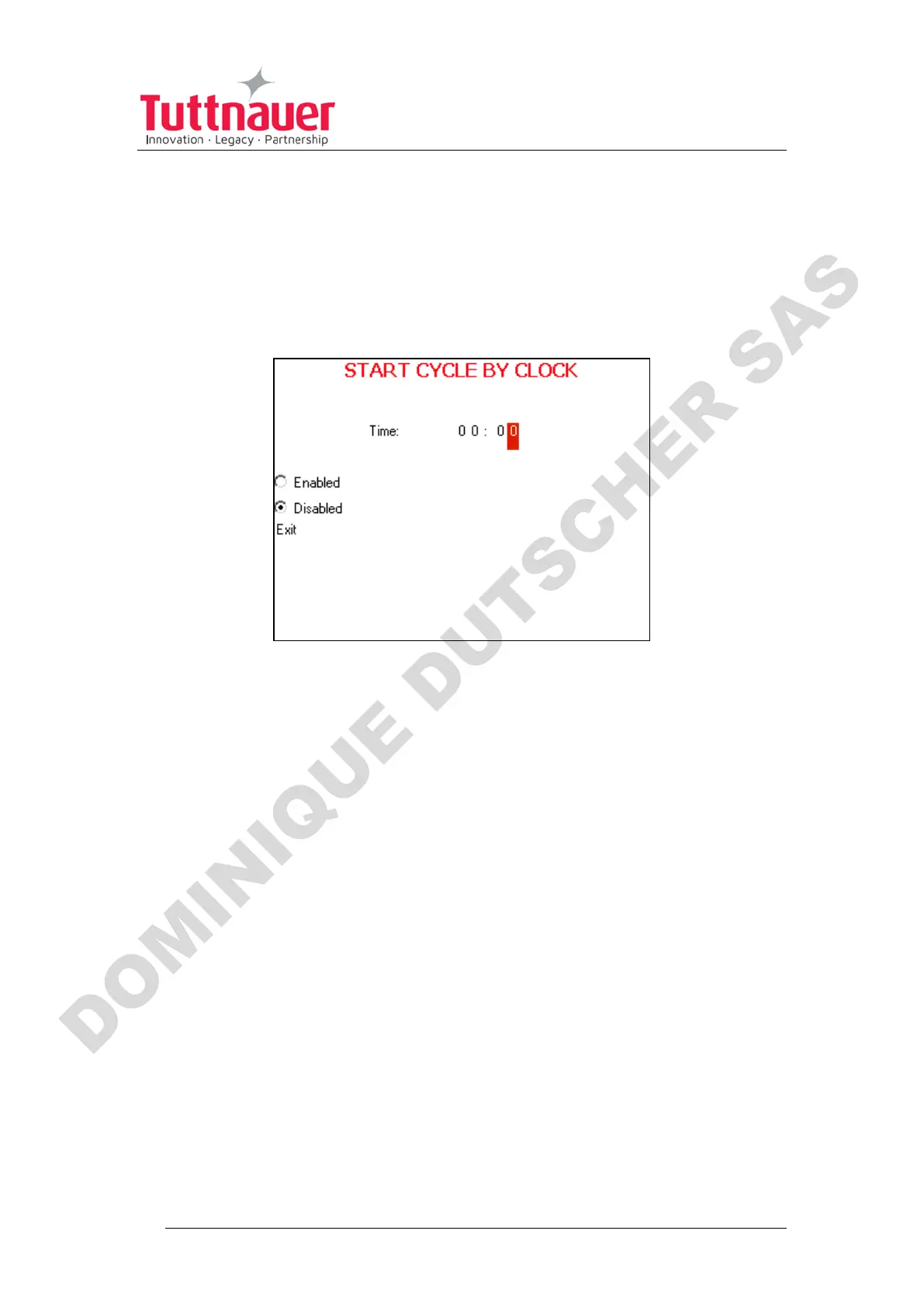
This subdirectory enables the operator to start the cycle at the time
set by this parameter.
1. Enter the Start cycle by clock screen. The following screen will appear:
On the Start cycle by clock screen, the time is displayed in the form
“HH:MM”. The hour range is 24 hours (i.e., from "0" to "24").
Setting the time to start the cycle
1. Move the cursor to the Time field.
2. Set the required time.
Enabling the Start Cycle by Clock
1. Set the starting time.
2. Move the cursor to Enabled. Press Up or Down key to enable starting
cycle by clock.












 To Next Page