Page 59
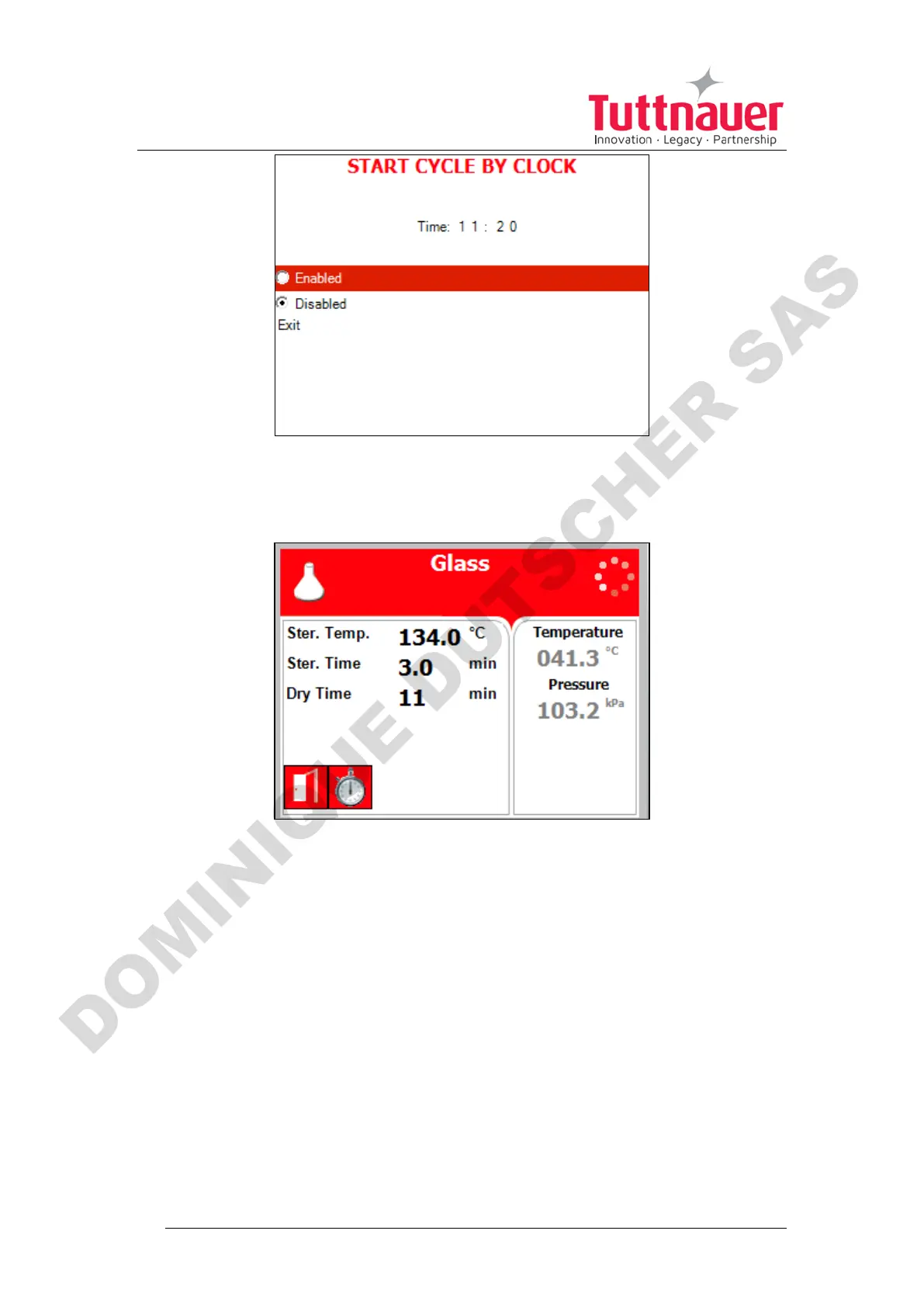
1. Exit the Enabling the Start Cycle by Clock. The start cycle by clock icon
appears on the display:
Disabling the START CYCLE BY CLOCK
2. On the Start Cycle by Clock screen, move the cursor to Disabled.
Press Up or Down key to disable Starting cycle by clock.
3. Exit the Enabling the Start Cycle by Clock.
Set date and time
This subdirectory enables the operator to set date and time.












 To Next Page