UniPOS Fire Extinguishing Control Panel FS5200Е
Instruction Manual Page 52
Revision 7/06.12 of 63
13.4.2.6. If devices of type FD7203, manual
or automatic detectors are also used as an
input of the fire Extinguishing Panel, their
paremetres must be set in FS5200E.
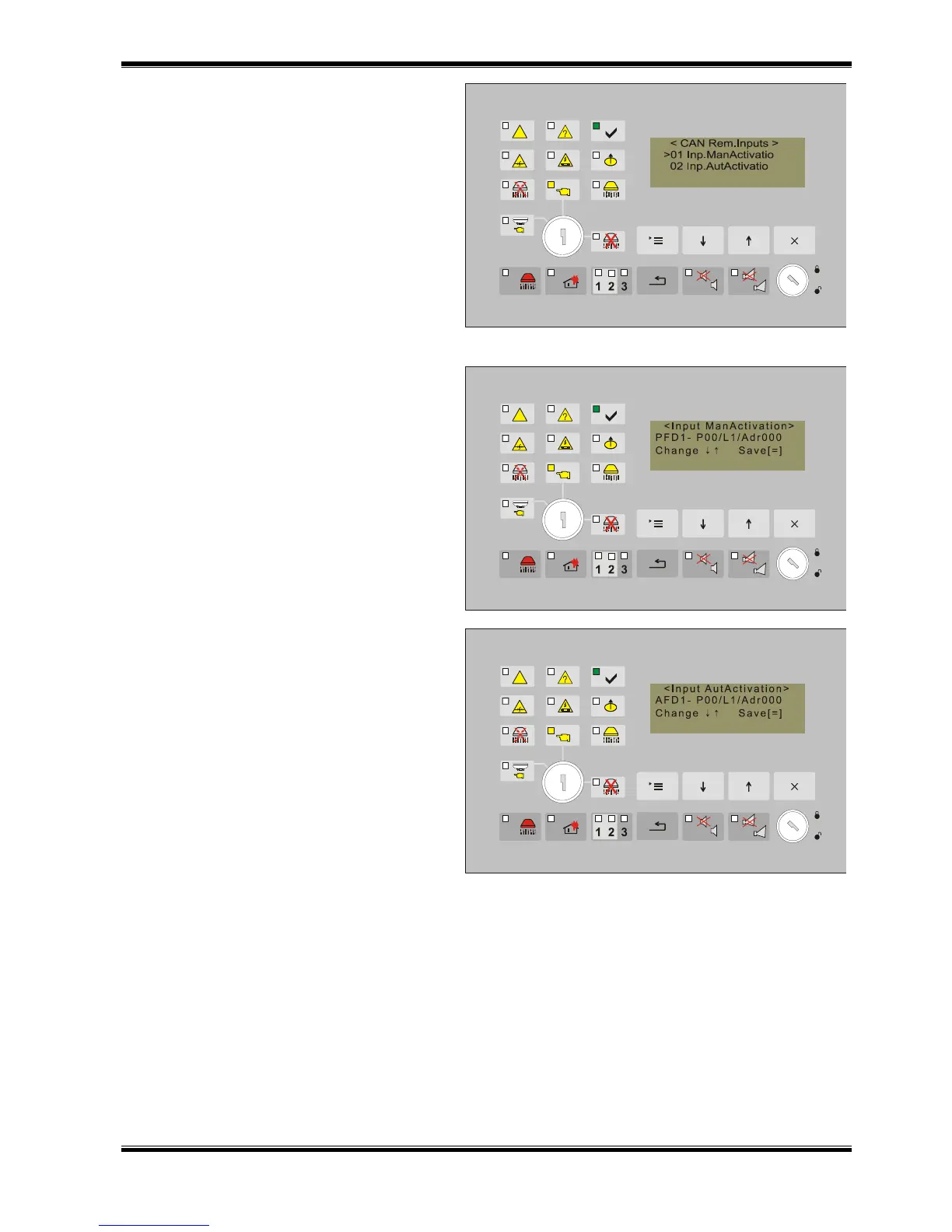
Four inputs of the Control Panel are possible
to be set :
01 Input Manual Activation;
02 Input Autom.Activation
03 Input Manual/automatic Mode;
04 Input Disable Extinguishing;
05 Input Hold Extinguishing.
13.4.2.6.1. Input Manual Activation includes
the opportunity for activation from manual call
point type FD7150, of system series 7000,
operating in a common network together with
Fire Extinguishing Control Panel. Insert data
for the address of the Control Panel, the
address of the loop and the address of the
manual call point. The admissible number of
manual call points that can be included is 5.
13.4.2.6.2. Input Automatic Activation
includes the opportunity for activation from
automatic fire detectors type FD71ХХ, of
system series 7000, operating in a common
network together with the Fire Extinguishing
Control Panel. Insert data for the address of
the Control Panel, the address of the loop
and the address of the manual call point in
the loop. The admissible number of automatic
fire detectors that can be included is 8. In
factory setting at least two of them are
connected in logical dependency ’’AND’’
(item.13.4.2.7).
13.4.2.6.3. Inputs „Mode Manual/Automatic”, „Disable Extinguishing” and „Hold Extinguishing” are to
be set by the same procedure.
Setting targets uniquely distinguishing which input, of what type FD7203 device, from which loop, and
of which Control Panel the command impact will come the the Extinguishing Panel and it includes the
following items:
o 01 On/Off.Rem.Input;
o 02 Number Remote Panel;
o 03 Number Loop;
o 04 Number Device 7203;
o 05 Number Input 7203.



 To Next Page