20
compliant by checking your computer manual. For more information on USB 2.0 Hi-Speed compatibility,
please visit www.usb.org
.
Other USB peripheral devices that demand a large amount of computer processing power may slow down the
operation and productivity of the laser system. If you experience problems with operation of the laser system
while using another USB device, we recommend you discontinue use of that device while the laser system is in
use. Do not connect or disconnect USB devices while the laser system is running a job.
Computer Power Management
Power management settings on your computer can interfere with proper operation of the laser system by
putting the PC in standby or sleep mode while the laser system is processing material. The settings can be
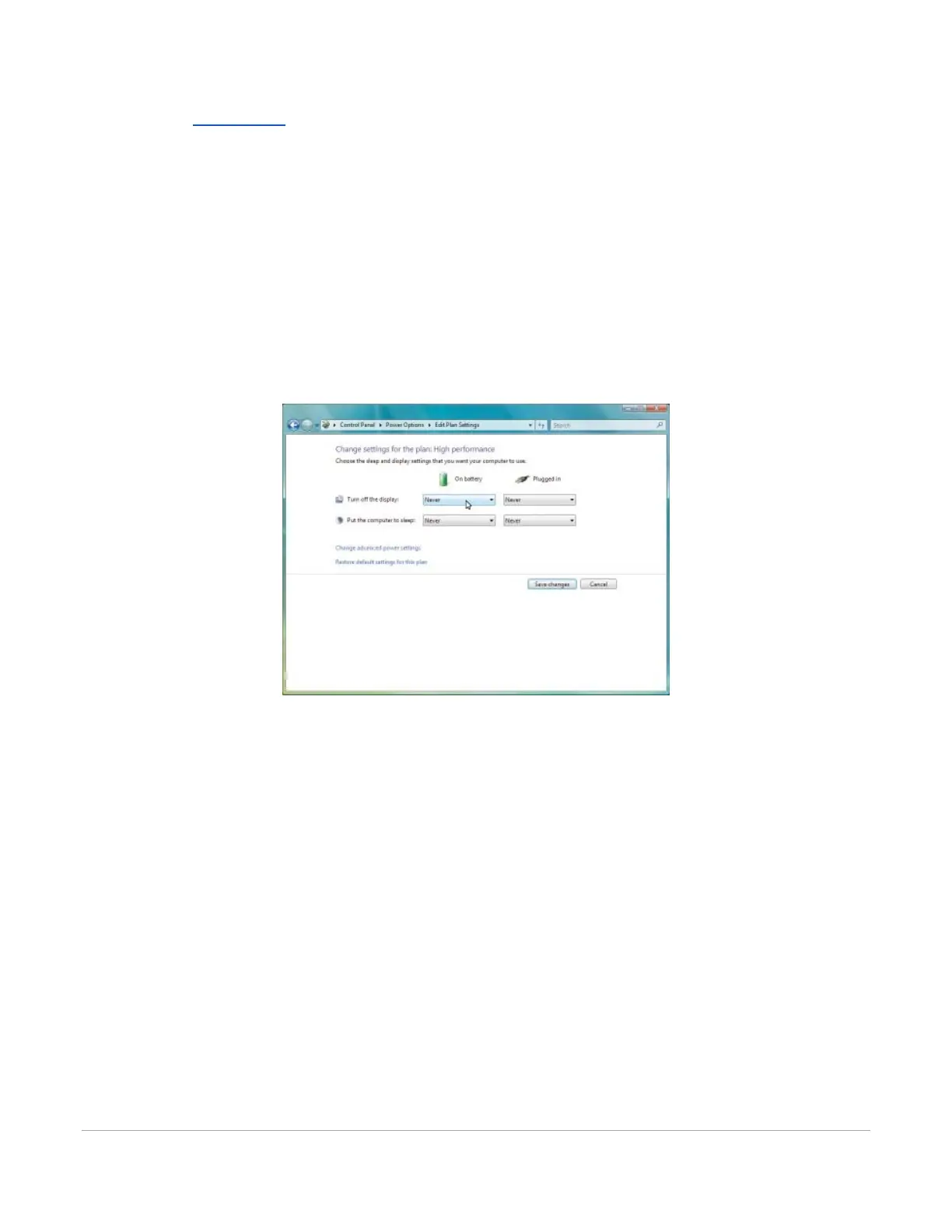
controlled through the power options in the Windows control panel on your PC. The illustrations below
show you how to disable power management.
Windows 7 and 10
1. For the Power Scheme in use, select “Never” for all the options.
2. Turn off display and put the computer to sleep.



 To Next Page