21
Software Installation
At this point, you need to install the Universal Control Panel (UCP) and printer driver. To install the software,
you need to have administrative privileges on the computer before starting installation.
1. Download the latest software installation package from the ULS website
(www.ulsinc.com/support/technical-downloads
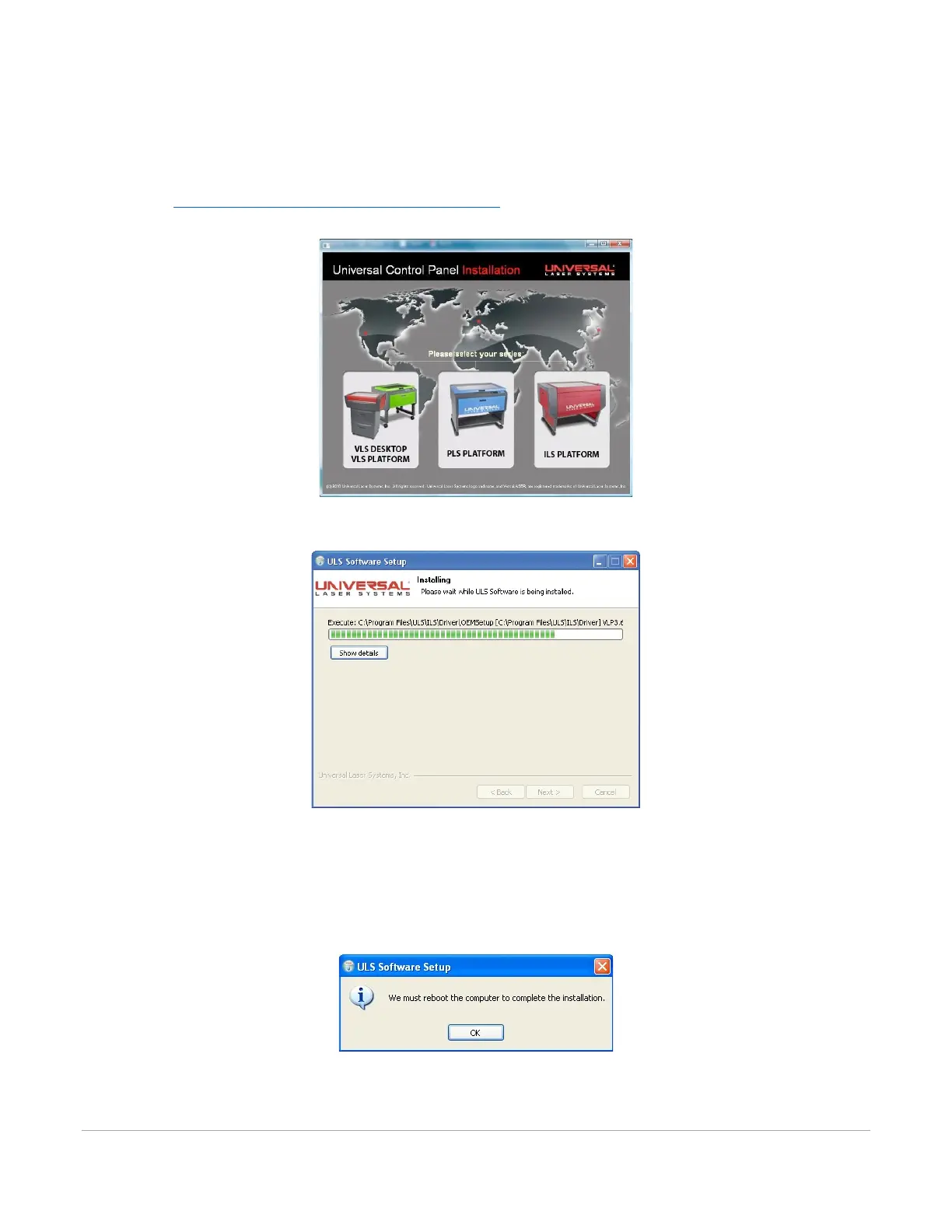
). Launch the installer and select the laser system for
which you are installing software.
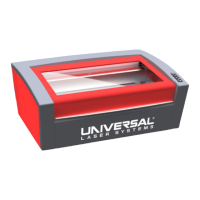
2. The installation process will proceed as indicated by a progress bar.
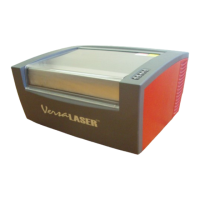
3. When the installation process is finished, the “Completing the ULS Software Setup Wizard” window
will prompt you to reboot the PC to complete the installation. If you have any other applications
running in windows make sure you save your work prior to rebooting. After the PC finishes
rebooting, the software installation is complete, and you are ready to connect your laser system to
the PC.



 To Next Page