60
• The ALIGNMENT Mode Launch button opens the Alignment Mode window for checking and
adjusting alignment of the laser to the motion system. The Alignment feature should only be used if
instructed by the Customer Service Team at ULS.
• CUTTING TABLE allows you to calibrate the Z axis to the top surface of a removable cutting table.
You need to have the cutting table installed in the system to activate the CALIBRATE button. To
calibrate, press the button and follow the instructions.
• ROTARY allows you to calibrate the Z axis to a rotary fixture. You need to have the rotary fixture
installed in the system to activate the CALIBRATE button. To calibrate, press the button and follow
the instructions.
• PULSE CALIBRATION is set at the factory to calibrate laser pulsing for the installed laser. It should not
be adjusted unless you are instructed to do so by the Customer Service Team at ULS.
• If the SOUNDS box is checked, the computer will play the so und file selected every time the
selected event occurs. You can attach sounds to the JOB COMPLETE, PAUSE and RESUME events.
• The ACTIVATE button allows you to enter an activation code for optional software features and
functions such as the Direct File Import feature. These optional features are explained in the
accessory section of the manual.
• If the SOUNDS box is checked, the computer will play the sound file selected every time the selected
event occurs. You can attach sounds to the JOB COMPLETE, PAUSE and RESUME events.
• HOMING OPTIONS allows you to change the behavior of the homing features in the laser system. By
default, after a job is complete the motion system will return home. To prevent this, select the
‘Don’t Return Home After Engraving’ switch.
• If the laser loses its Z location, the materials processing table will home at start-up. To have this
feature turned off, check the ‘Disable Automatic Z-Homing’ switch. Disabling this feature can also be
helpful when troubleshooting Z-Axis problems.
• If you would like the laser system to re-home the X and Y axes before it processes each job, select
the ‘Home XY Before Engraving’ switch.
• Your laser system may contain an Air Pressure detection switch to warn you if no air pressure is
present and you have selected gas assist functions in the job properties window. If the DETECT AIR
PRESSURE switch is selected and sufficient air pressure is not present, then an error message is
displayed. Deselect this switch to stop these error messages from being displayed.
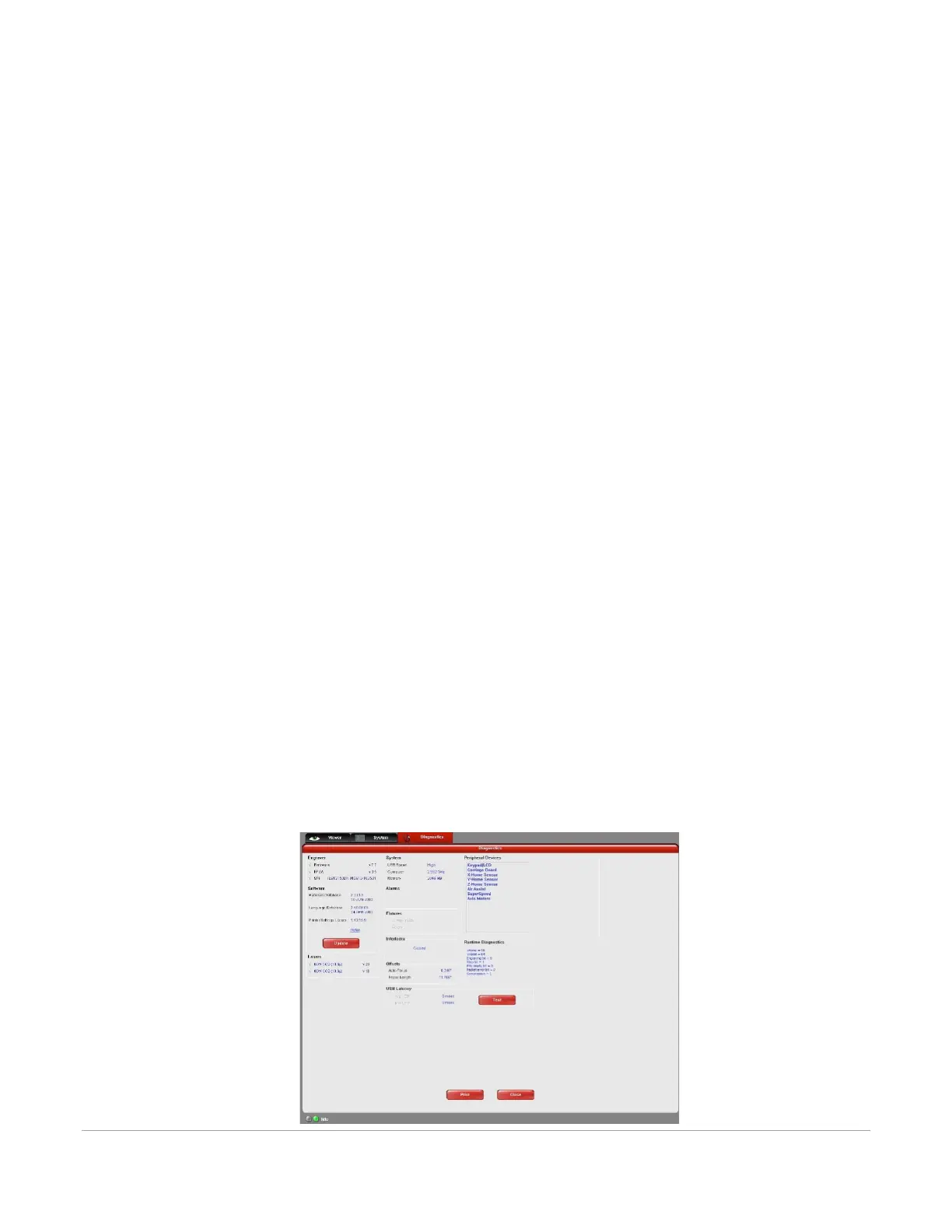
Diagnostics Tab
The Diagnostics Tab gives you important information about your laser system for troubleshooting purposes.



 To Next Page