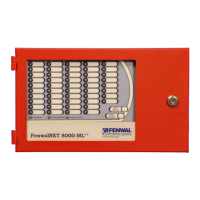
Conversion Instructions for FenwalNET 2000
P/N 06-237041-001 H-3 February 2011
H-6 PROCEDURE
1. Remove the empty electronics brackets which are attached to the FenwalNET 2000 control unit.
(An installer may chose his own method to remove the empty brackets, based on individual
experience and available tools.)
Note: A suggested method, which is safe and easy to perform, is to use a Drummel tool (with a
grinding wheel attached) to first grind off all pop rivets in the cabinet. With the pop rivets
grinded off, carefully pry the empty brackets off the enclosure with a screwdriver and discard
or store.
2. With the cabinet empty, remove the #8 nut from the Earth Ground lug located at the top left of
the enclosure.
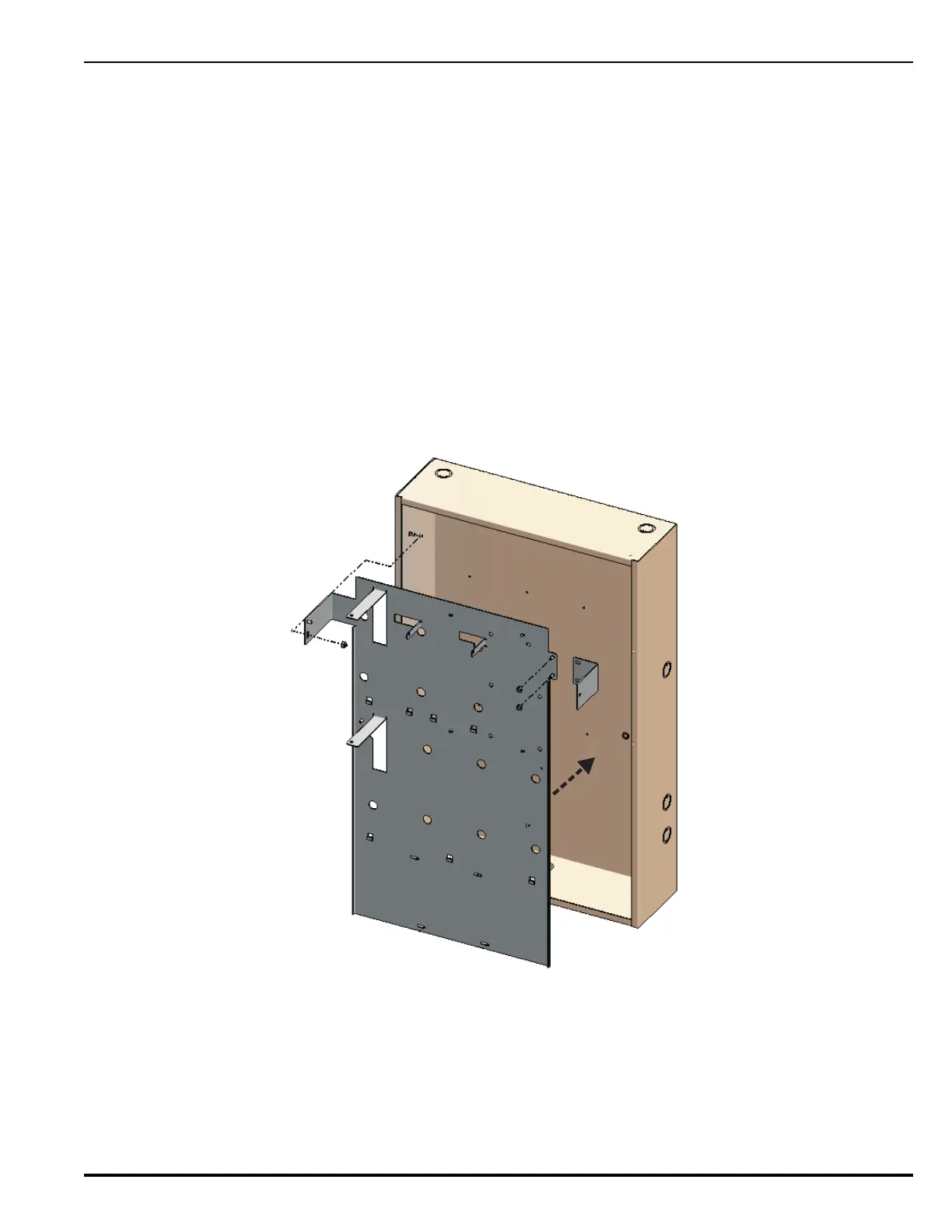
3. Insert the base plate as shown in Figure H-1.
4. Manually hold the small bracket to the base plate at the right (shown in Figure H-1). Mark the
hole location in pencil.
Figure H-1. Installing the Base Plate


 To Next Page
 Loading...