UVITEC – Cambridge
112/225
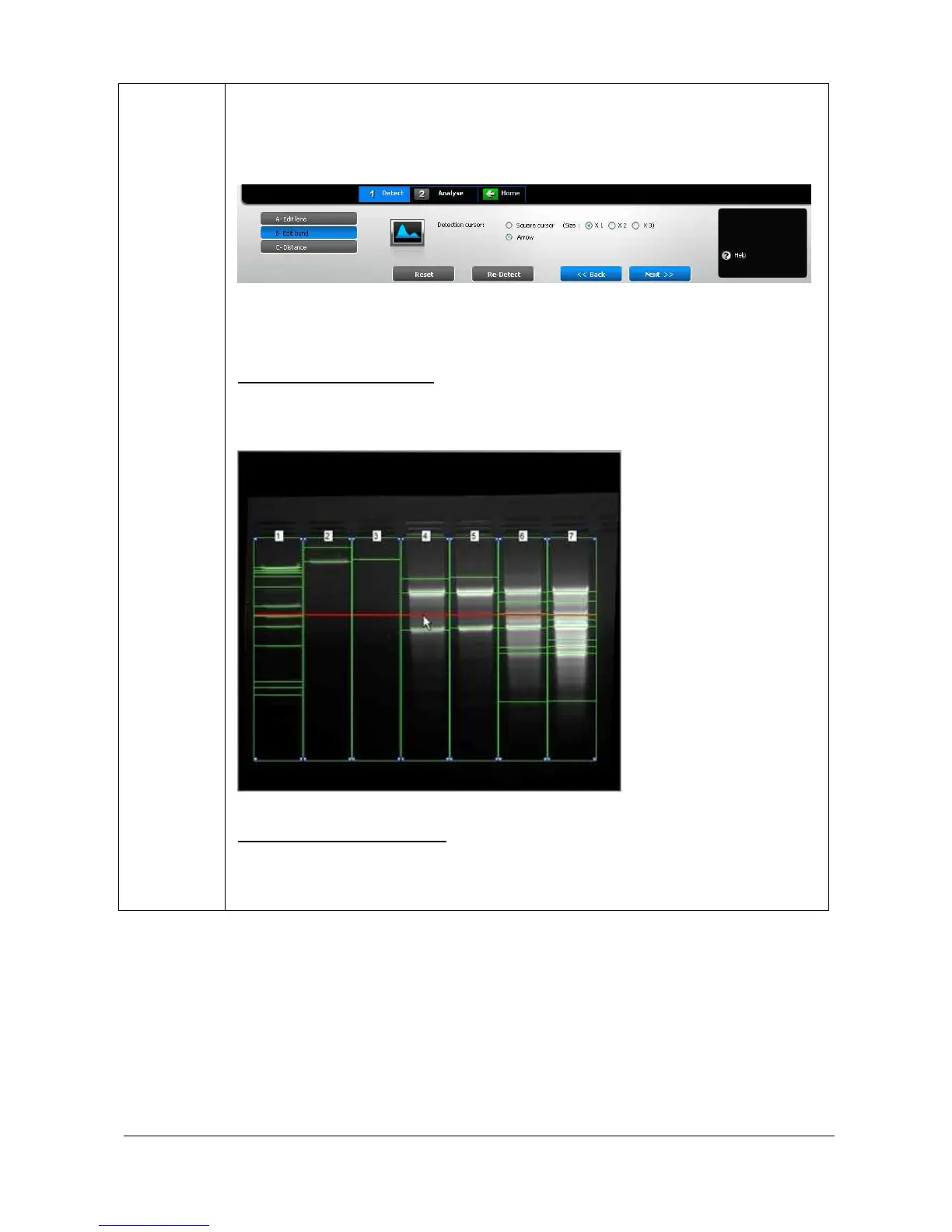
The dashboard details the edit band parameters:
Profile lane
Arrow or square cursor detection
B
AND DETECTION ON THE IMAGE
You can add or remove bands by clicking directly on the image. Place the cursor at the
chosen location and click. The band is immediately added or removed. The red line
allows you to check band alignment between lanes.
B
AND DETECTION ON THE PROFILE
The profile is calculated based on the average intensity of each row of pixels across the
specified width of the lane. A lane profile provides a visualisation of the intensity of the
bands. Bands are represented by peaks.



 To Next Page