The rectangular cursor has the shape of a square ( )
Place the cursor at the chosen profile location and click. The detection line is
automatically added or removed.
Note: For arrow cursor, the band is added at the cursor position.
For rectangular cursor, the band is added at the highest position within cursor bounds.
V
ISUALISATION OF THE PROFILES
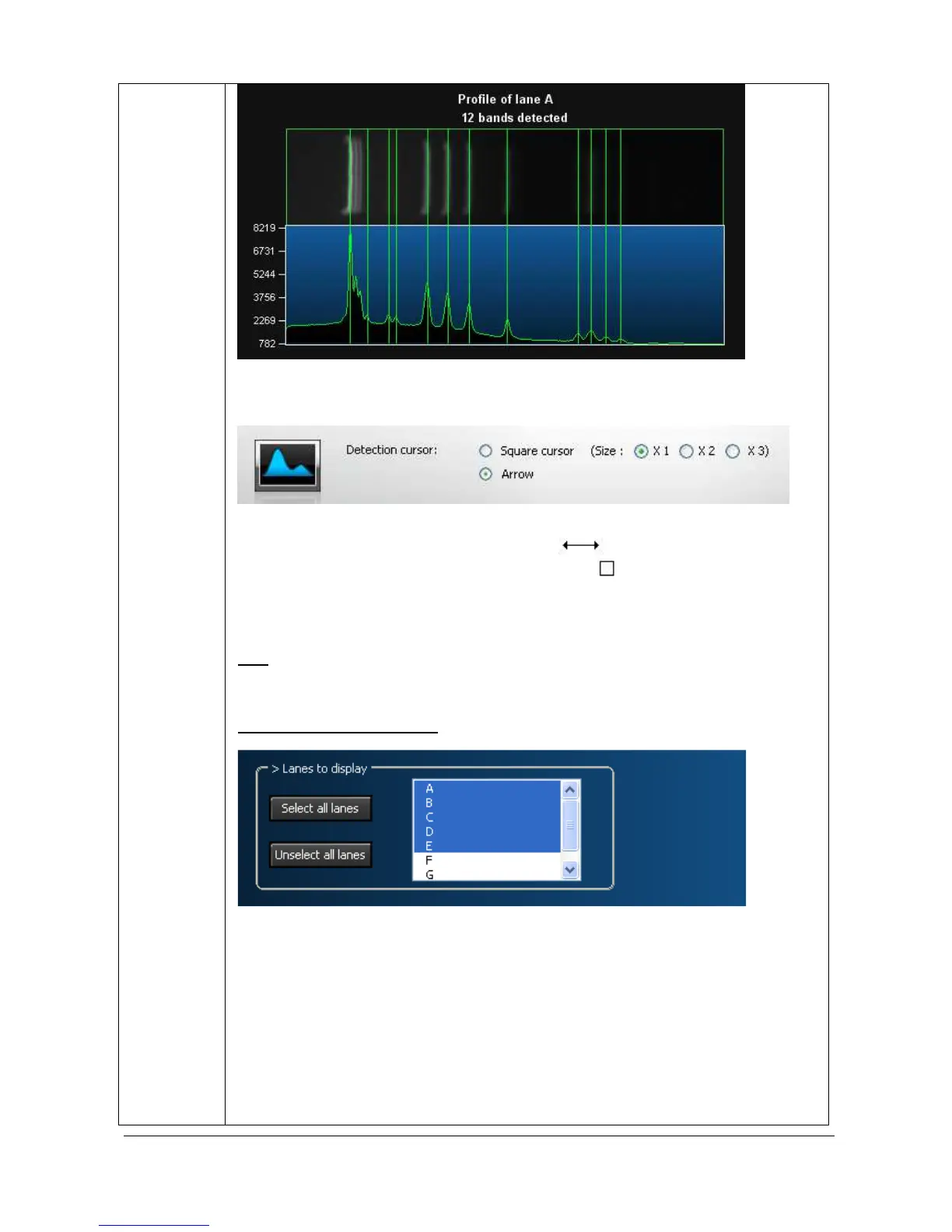
In the profile parameter window, you can select the lanes’ profile to be displayed. To do
so, just click on the profile name to select or unselect the profiles.
You can also define the way the profiles are displayed:
- Only the profile
- Only the image
- Both the profile and the image
- In an horizontal way
- In a vertical way
- Stacked the profiles of the selected lanes



 To Next Page