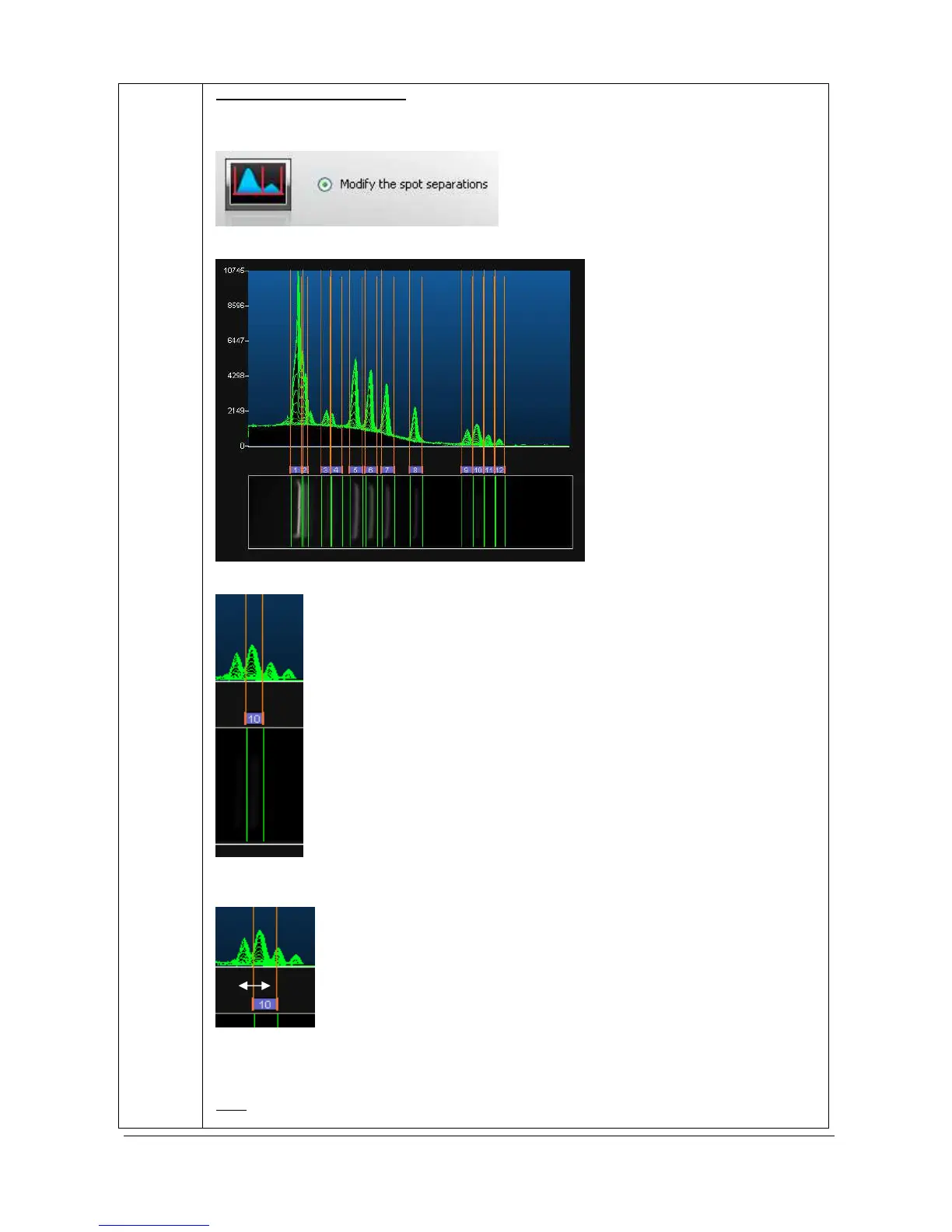
FireReader 1D proposes by default an automatic predefined spot separation based on the
band detection. You can modify the default spot separation by selecting the “Modify the spot
separation” option.
The default separation is illustrated on the lane’s profile:
The brackets illustrate the bands boundaries:
You can easily reposition a band’s boundaries. In order to do so, click on the bracket and
drag the cursor:
Drag the cursor until the area of the band that you want to define has been completely
enclosed.
Note
: When you release the mouse button, the band’s volume is automatically recalculated
to take into account the new area of interest.



 To Next Page