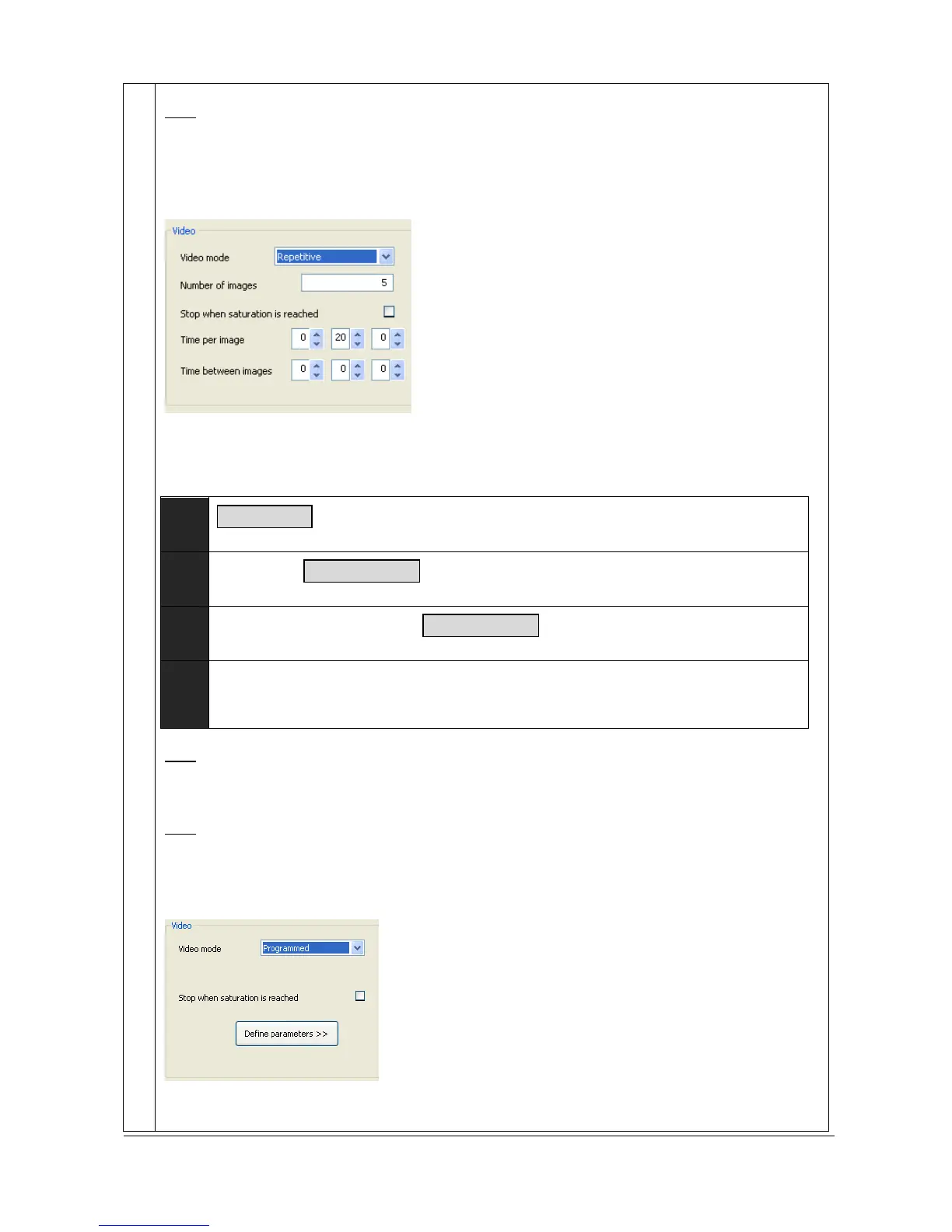
Note: you can define a time elapse between the images. The software will wait for the defined time
elapse prior to acquire the subsequent image.
The Repetitive mode
In the accumulation mode, you define a same exposure time for each image of the series. Then from
the second image acquired, each new image is added to the previous one.
Example:
Image
1
20second is the Time per image
Image
2
Image
3
n
Image
…
The number of images of the serie is defined by the Number of images parameter.
Note: the series could stop automatically before the Number of images parameter is reached if the
Stop when the saturation is reached is selected. If this option is on, the serial process is
stopped
automatically when the saturation pixel is reached on the obtained accumulated image.
Note: you can define a time elapse between the images. The software will wait for the defined time
elapse prior to acquire the subsequent image.
The Programmed mode
The programmed mode is as the repetitive or the accumulation mode in which you can define an
exposure time per image.
20s–Image 1
20s–Image 2



 To Next Page