UVITEC – Cambridge
75/225
Note: For arrow cursor, the band is added at the cursor position.
For rectangular cursor, the band is added at the highest position within cursor bounds.
V
ISUALISATION OF THE PROFILES
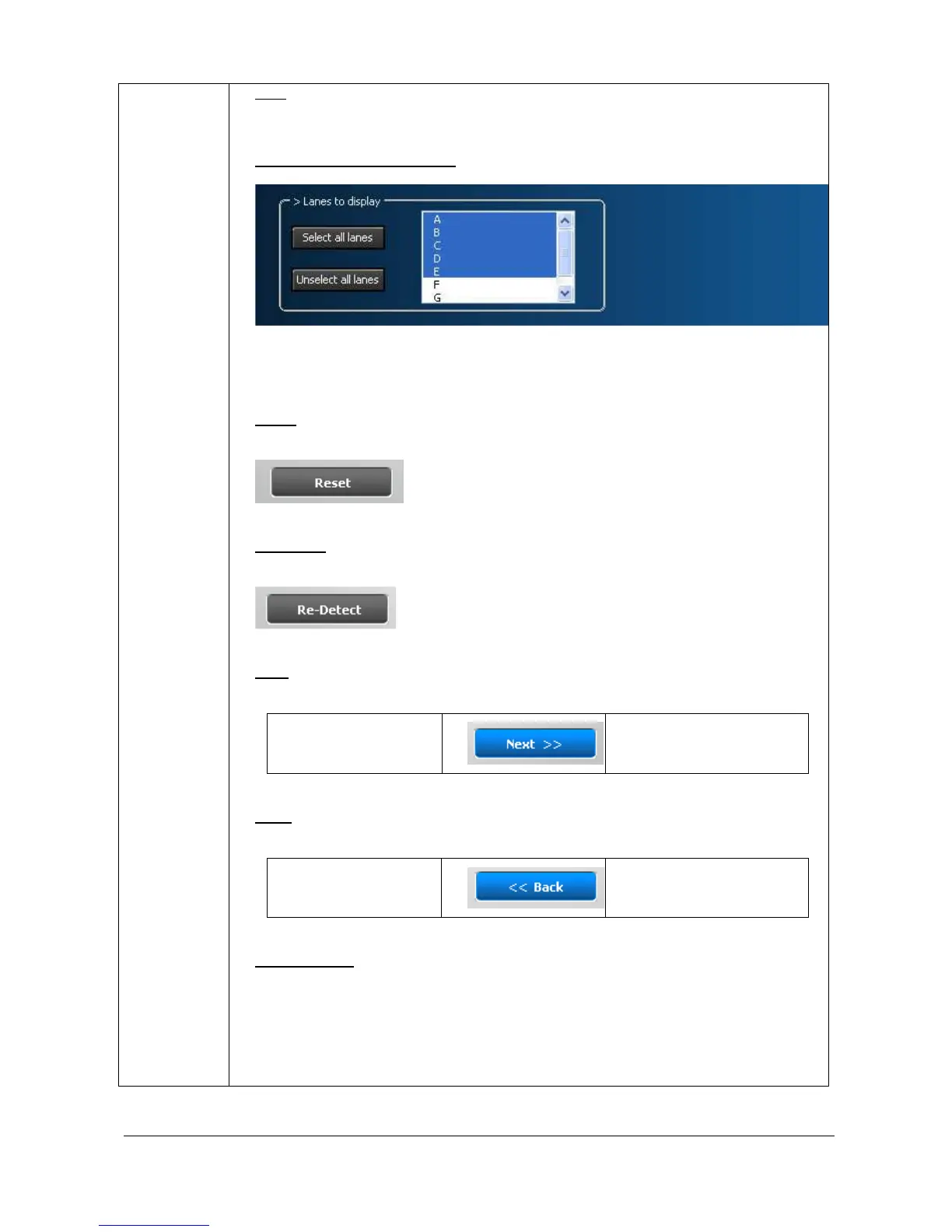
In the profile parameter window, you can select the lanes’ profile to be displayed. To
do so, just click on the profile name to select or unselect the profiles.
R
ESET
You can reset the detection by clicking on the “Reset” button. The detection lines will
then be removed.
R
E
-
DETECT
You can re-detect the bands by clicking the “Re-detect” button. The detection is based
on the default parameters.
N
EXT
The “Next” button validates your parameter and opens the following analysis step.
B- Edit band
C – Marker values
B
ACK
The “Back” button validates your parameter and opens the following analysis step.
B- Edit band A - Lane definition
O
PTION FOLDER
The option folder gathers the following functions:
Help



 To Next Page