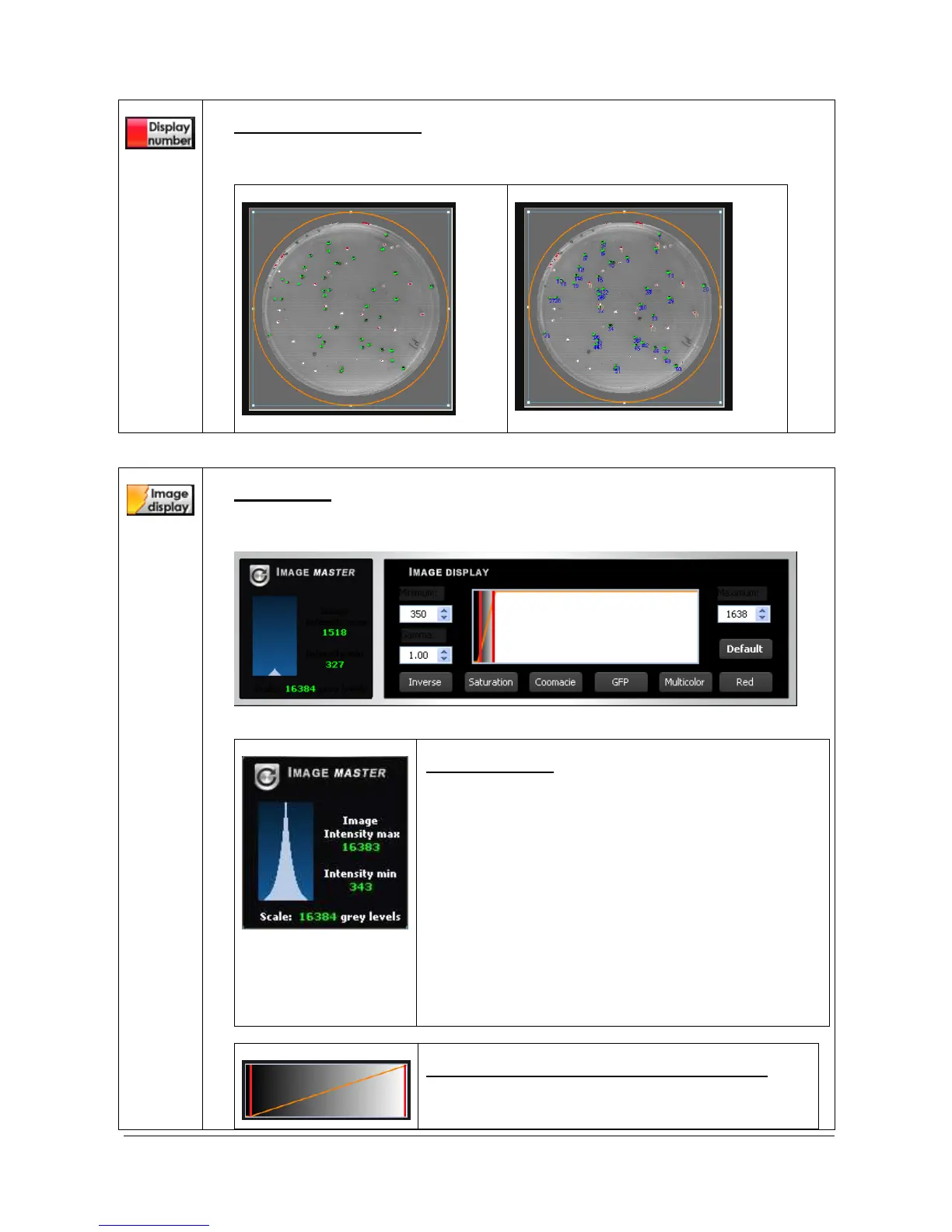
Display the colony number
Click on the “display the molecular weight” to display the calculated molecular weight on top
of the image.
Default display
Colonies count displayed on the image
Image Master data
The Image Master data refers to the dynamic range of
grey levels in between the minimum and the maximum
pixel intensities obtained in an image.
Image depth is eAutoed as graduation level. In an image,
the density range between white and black is divided into
a number of gradation levels. For instance, a 12-bit
image has 4096 gradation levels. The image dynamic
refers to the number of grey levels in between the
minimum levels obtained and the maximum level
obtained on a specific image.
The Image Master data informs you of the obtained dynamic
on your image compared to the potential image depth.
Optimum display (for 12, 14 and 16-bit image file)
The optimum display window is helpful to modify the
greyscale selection to enhance the image display.



 To Next Page