Vertiv | SmartCabinet | User Manual 98
System Operation
Fire Fighting Status
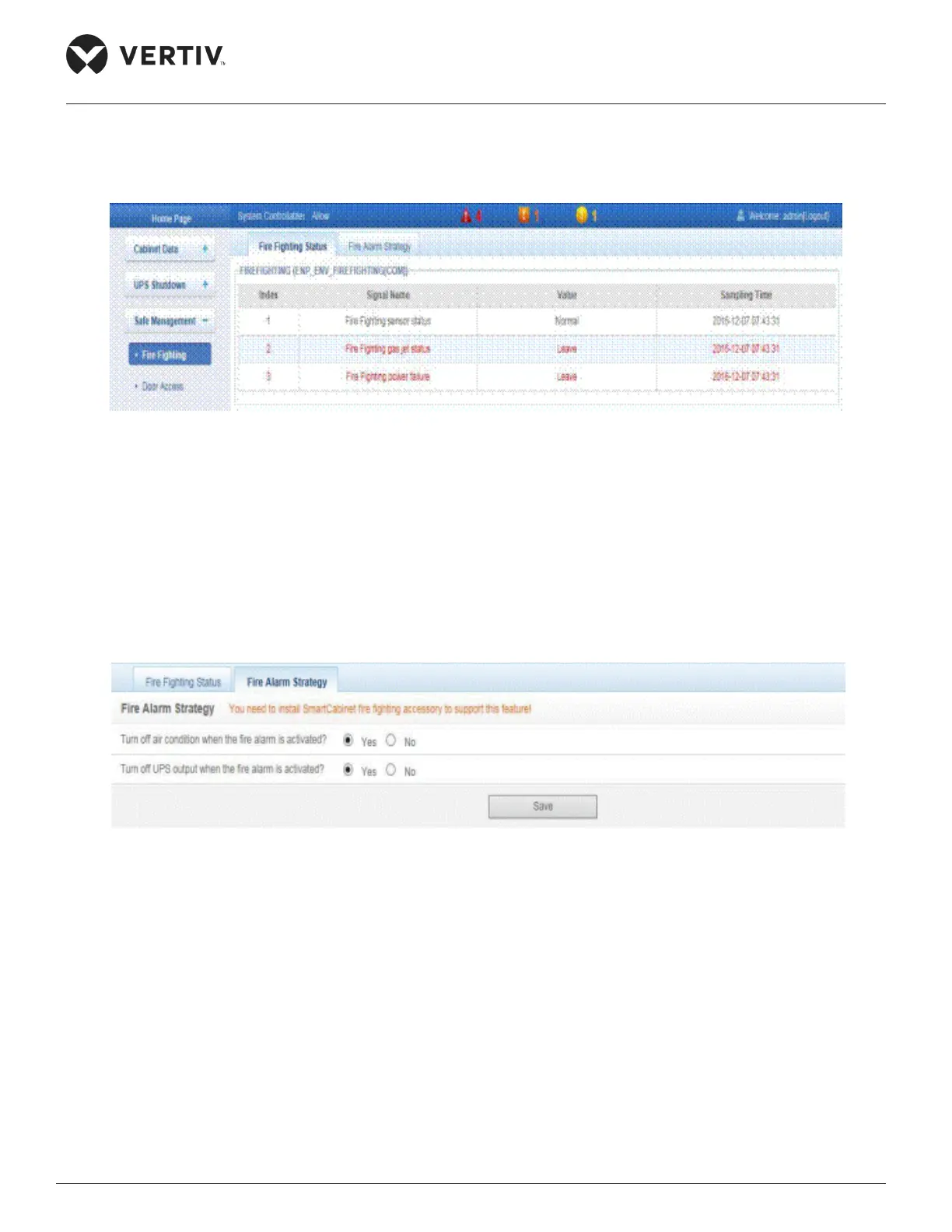
» Click the Fire Fighting sub menu and the following screen as shown in Figure 4-61 is displayed.
Figure 4-61 Fire Fighting status
»
Fire Alarm Strategy
» The Fire Alarm Strategy tab is next to the Fire Fighting Status tab. The air conditioner and UPS
» Refer to Figure 4-62 to view the various actions on clicking the Fire Alarm Strategy tab:
Figure 4-62 Fire Alarm Strategy
4.2.4.3.2. Door Access
» Click the Door Access function under the Safe Management menu. This leads to access to the access
control card management screen as shown in Figure 4-63.



 To Next Page