Vertiv | SmartCabinet | User Manual 102
System Operation
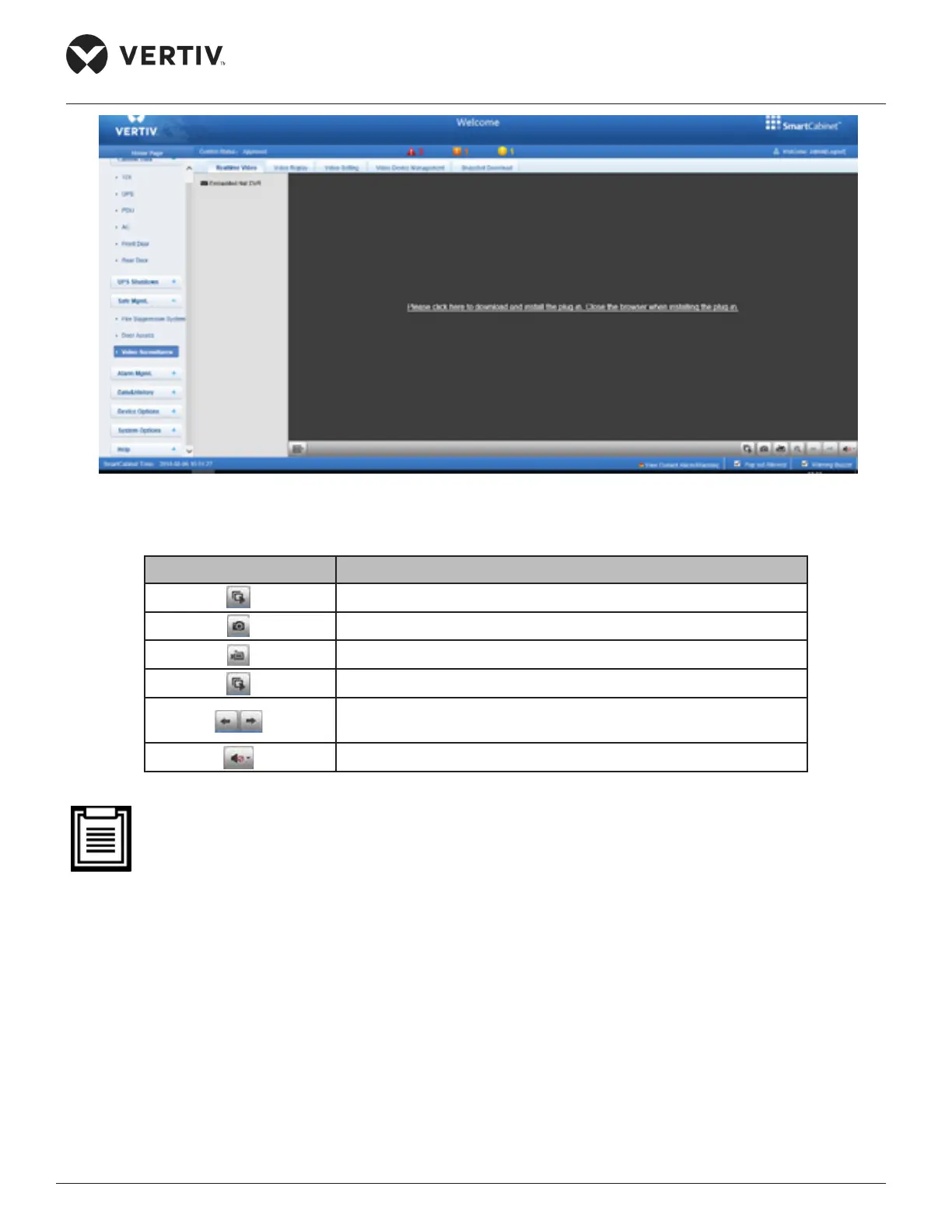
Figure 4-68 Real time video
Table 4-1 Real-time video page icon description
Icon Description
Start/stop real-time browsing of all devices
Capture image
Video recording
Zoom in on the video image of the selected area
When browsing the current page in 1*1 mode, switch to browse
Set the sound volume
• After the capture and video operations, the le is saved in the save path of the Parameter settings\Lo-
cal conguration\Corresponding operation.
4.2.4.4.3. Video playback
Click the Video Playback tab under the Video Management menu. The page shown in Figure 4-69 is
displayed. Table 4-2 gives the corresponding icon description.



 To Next Page