Vertiv | SmartCabinet | User Manual 126
System Operation
4.2.4.8.3. User Management
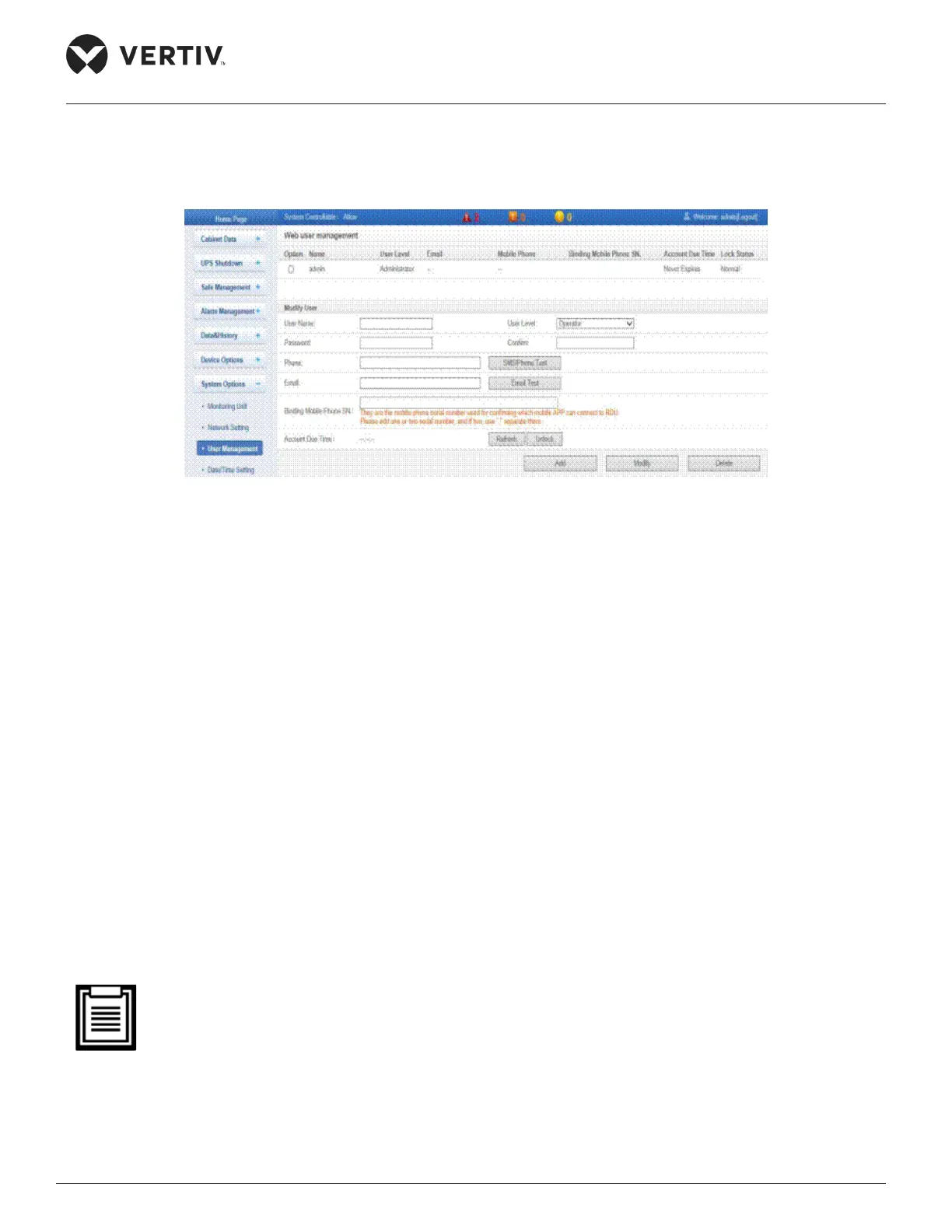
Figure 4-102 shows the screen for the User Management submenu.
Figure 4-102 User Management Submenu
Adding a User
» Enter the User Name in the respective textbox.
» Choose the user level based on the rights assigned, such as Operator.
»
» Enter the Phone and Email.
»
button is clicked, the user will receive an SMS and telephone meaning the test is successful. If there is
correctly connected.
»
will receive an email. If no email is received, check if the information is correctly entered.
» Click on Add following which the screen will prompt for the login password of the current user. Click
• The telephone number can use only the following digits and characters: 0123456789, +;
• The user name may contain only English letters, digits, a Hyphen (-), or an underscore ( _ ). The Initial
characters must only be English letters or digits.
• The user levels are dened in the table under Table 4-3.



 To Next Page