Vertiv | SmartCabinet | User Manual 125
System Operation
• Once the contact person is chosen, the Mobile and Email elds will populate.
• Select the Frequency of Reporting, i.e. Monthly or Seasonal.
• Click on OK to send the remote service request.
• If required, a Remote Service Phone number along with an email address can be added. All that needs
to be done is to Click on OK to send a remote service request. This alternate setting is used to add
exclusive remote connections.
• Cancel RDU remote:
• Canceling the remote service is possible only If the remote service has been established. Otherwise, a
message prompt indicating failure of cancellation will be displayed on clicking OK.
•
In this case, this service is used to replace the host name in the remote service feature. All that needs to be
done is replace the hardware serial number of the exisiting host with a new one and then save the settting as
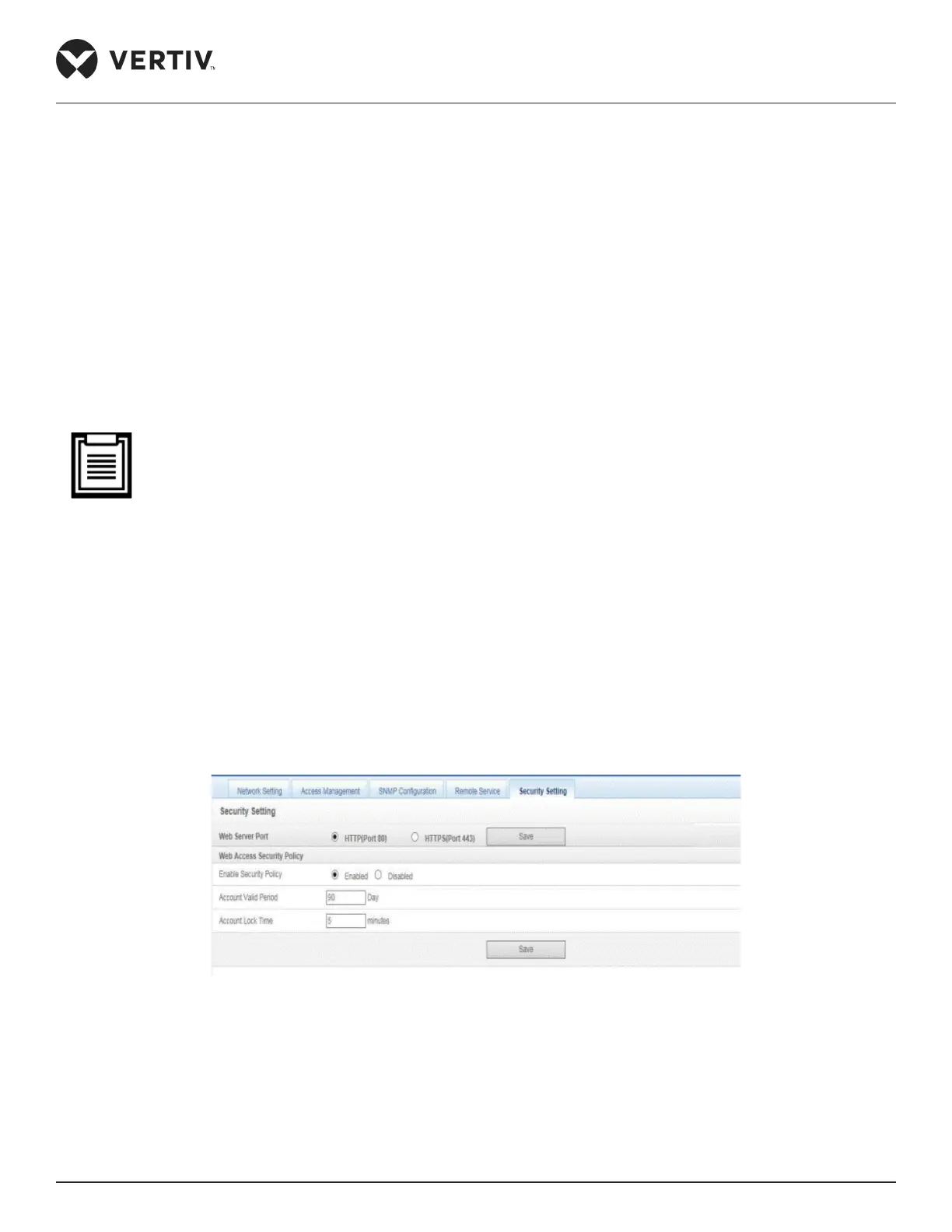
Security Setting
Figure 4-101 Security Settings
» Choose the Web Server port from the options, i.e. Port 80 or Port 443. Click on Save.
»
minutes respectively. Click on Save to store the security settings.



 To Next Page