Vertiv | SmartCabinet | User Manual 124
System Operation
• SNMP V3 enables user authentication and enhanced privacy.
• If Not Authenticated & Not Encrypted is selected, then the dropdown boxes of Authentication Protocol
and Privacy Protocol are grayed out meaning the values cannot be set.
• Currently, only DES can be selected as the Privacy Protocol.
• The Authentication and Privacy password should be a maximum of 8 characters. It should be the same
as the password set by the host of the SNMP agent data receiving end, else it cannot be decrypted
and received.
Remote Service
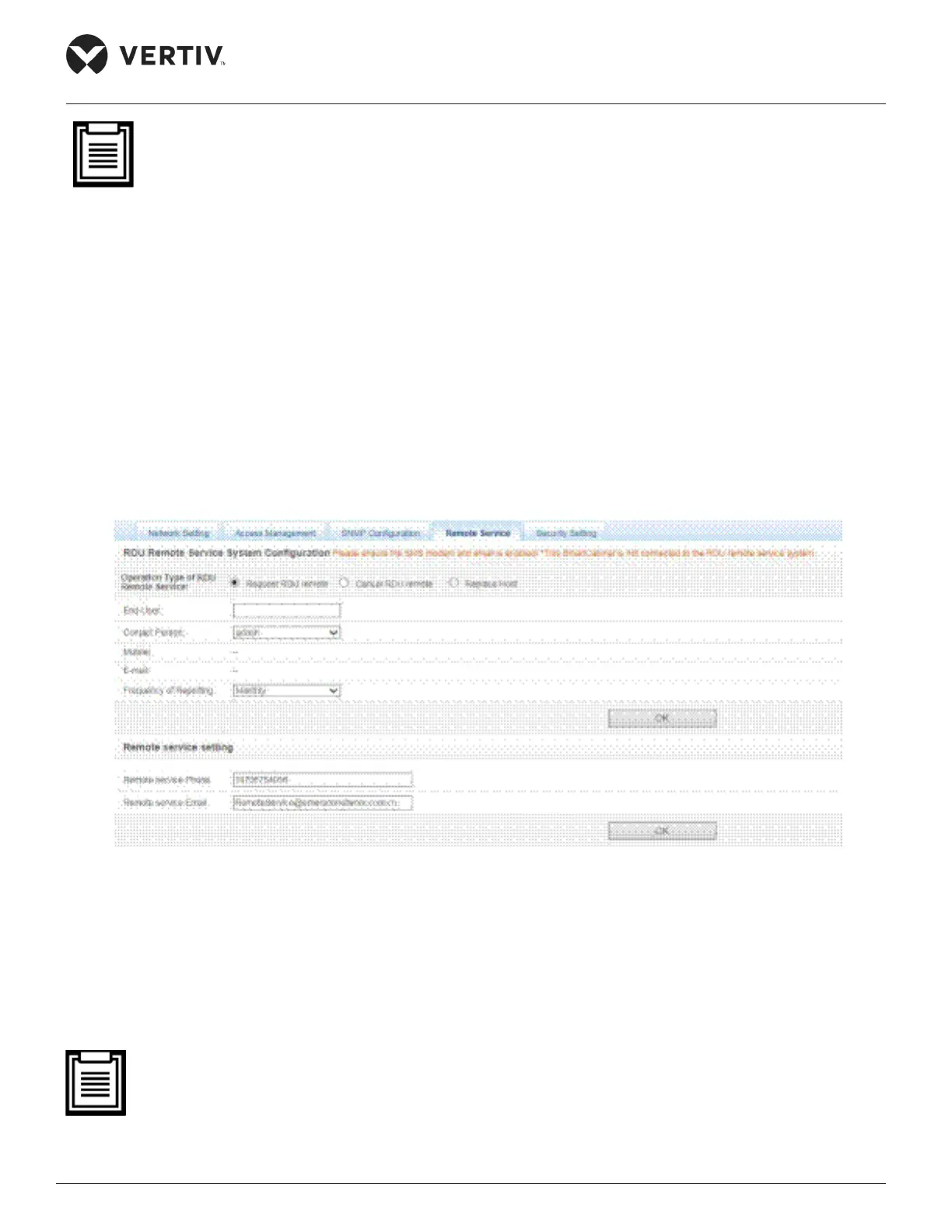
Figure 4-100 shows the screen for the Remote Service function.
Figure 4-100 Remote Service
•
• Enter the customer name in the End-User textbox.
• Choose the authority of the contact person such as admin, etc.



 To Next Page