Vertiv | SmartCabinet | User Manual 123
System Operation
» If the settings have to be altered, change the values and click on Modify to save the changes.
»
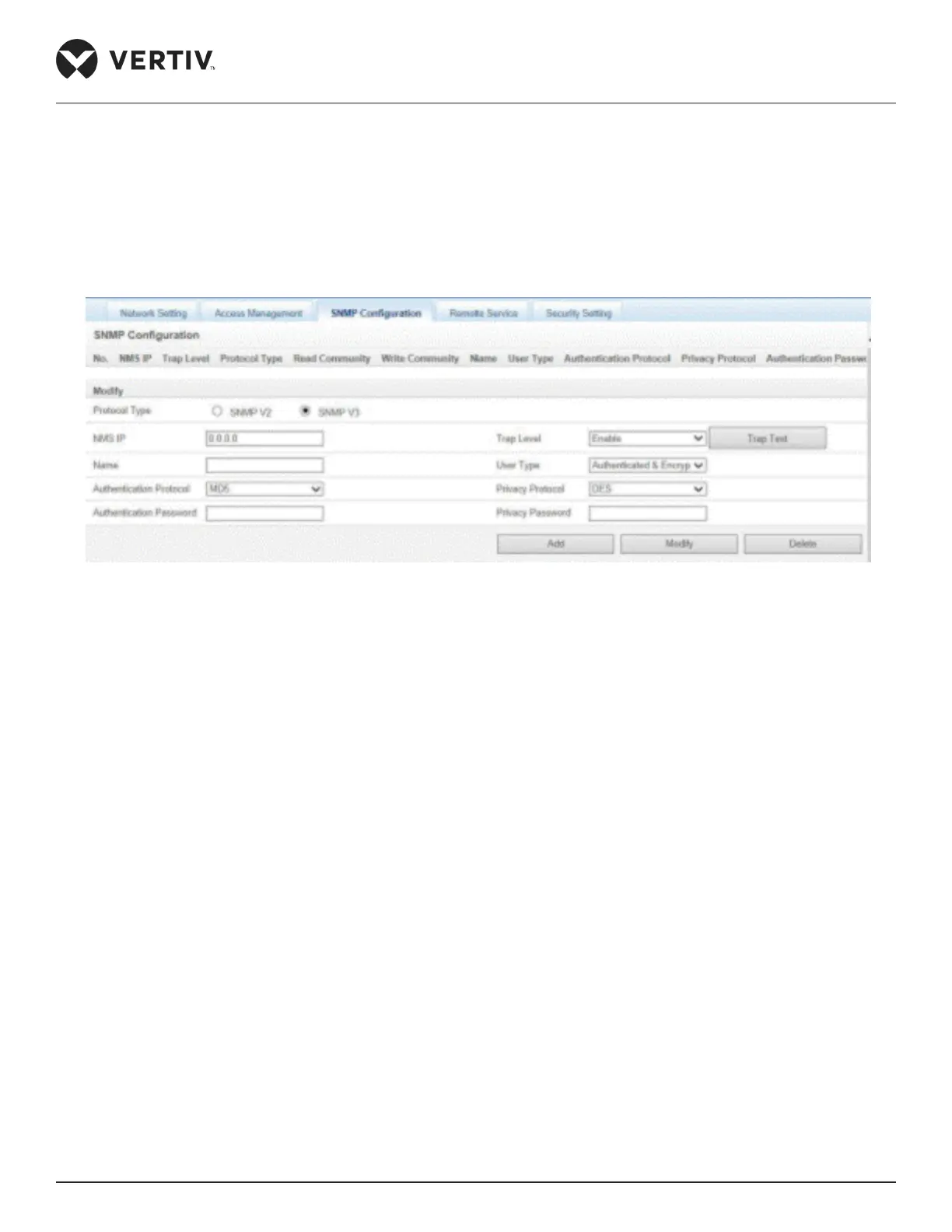
Figure 4-99 SNMP V3 setting
» Enter the NMS IP address.
» Set the Trap level to Enable or Disable.
» Enter the Name and then select the User Type.
» There are 3 user types, namely- Authenticated & Encrypted, Authenticated & Not Encrypted, and Not
Authenticated & Not Encrypted.
»
» Select the Privacy Protocol (DES is the only protocol allowed as of now).
»
» Click on Add to add the NMS record.
»
the changes.
»



 To Next Page