Vertiv | SmartCabinet | User Manual 128
System Operation
» The dialog box for security authentication pops up wherein the login password of the current user
• While adding or modifying the user, the phone number and email address must be entered or else the
setting cannot be stored.
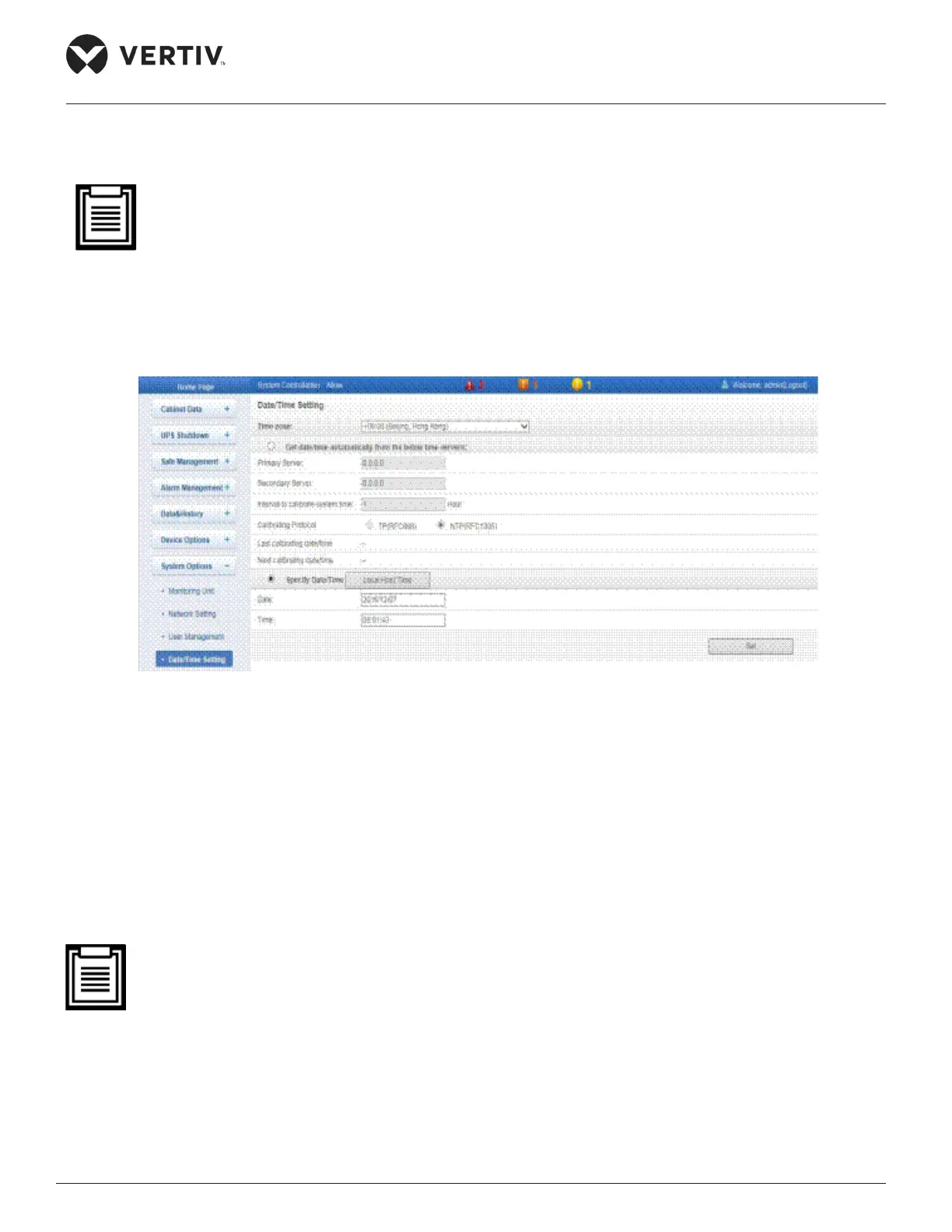
4.2.4.8.4. Date/Time Setting
Figure 4-104 shows the Date/Time Setting screen.
Figure 4-104 Date/Time Setting
»
»
» Enter the Interval to calibrate system time in hours.
» Select the relevant Calibrating Protocol.
» Click on Set to store the settings for that time server.
• There exists another section called Specify Date/Time wherein the time is obtained from the local serv-
ers. This setting is the default setting for the Time calibration. To enable this, Click Specify Date/Time
radio button and click the Local Host Time button following which the local date and time on the local
machine will get populated. Click Set for the new settings to take eect.
4.2.4.8.5. Restore System
Figure 4-105 shows the Restore System submenu under the System Options menu.



 To Next Page