Vertiv | SmartCabinet | User Manual 129
System Operation
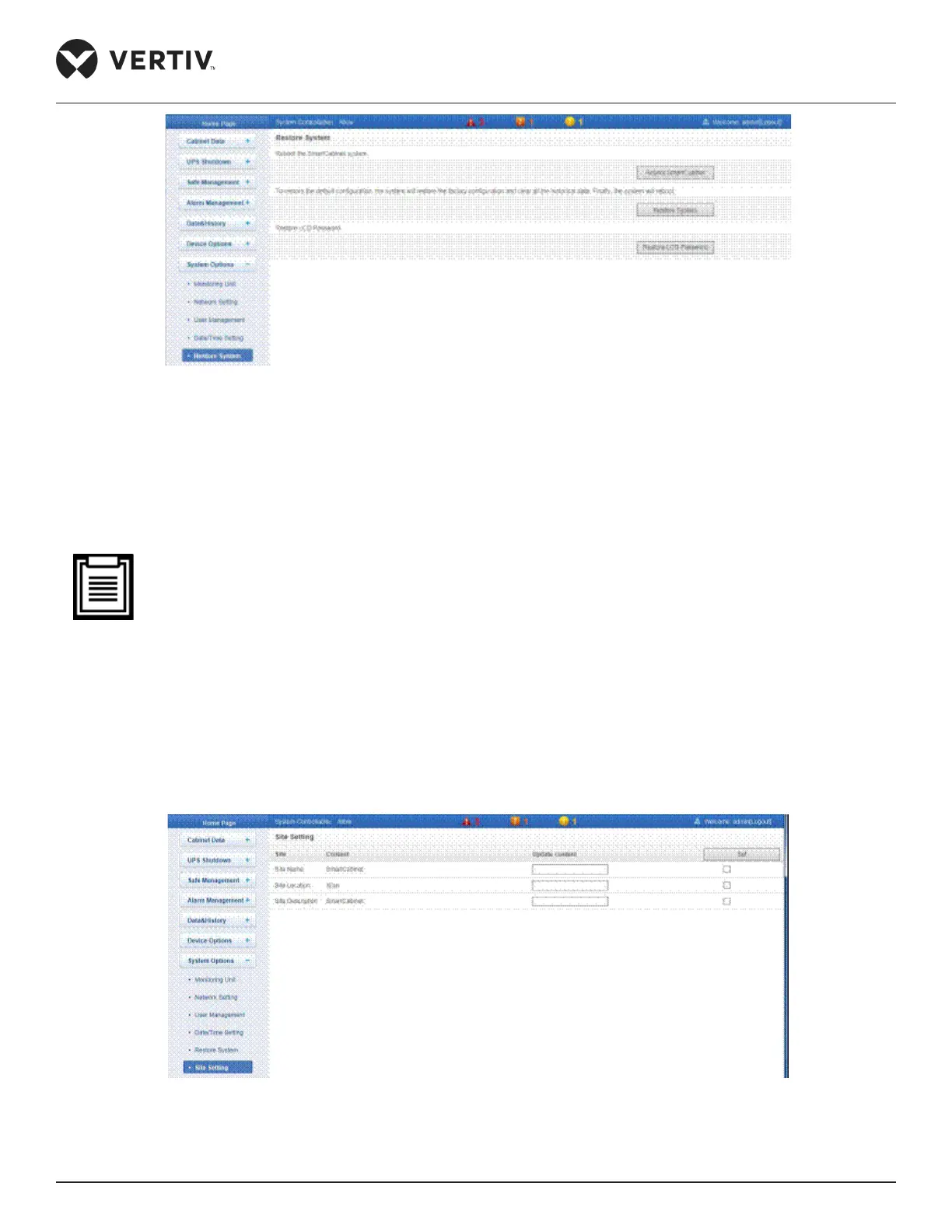
Figure 4-105 Restore System
» Click on Reboot SmartCabinet to reboot the system
» Click on Restore System to restore all the default settings.
» Click on Restore LCD Password to trigger the recovery of the password for the LCD screen.
• On using the Restore System function, the MSC monitoring system will lose the original conguration
solution. After restoring, wait for a minute for the MSC unit to conduct complete initializing work before
accessing it through the web again.
4.2.4.8.6. Site Setting
The Site Setting function is used to set the Site Name, Site location, and the Site Description. Enter the content
Refer Figure 4-106 to see the Site Setting screen.
Figure 4-106 Site information setting



 To Next Page