Vertiv | SmartCabinet | User Manual 48
System Installation
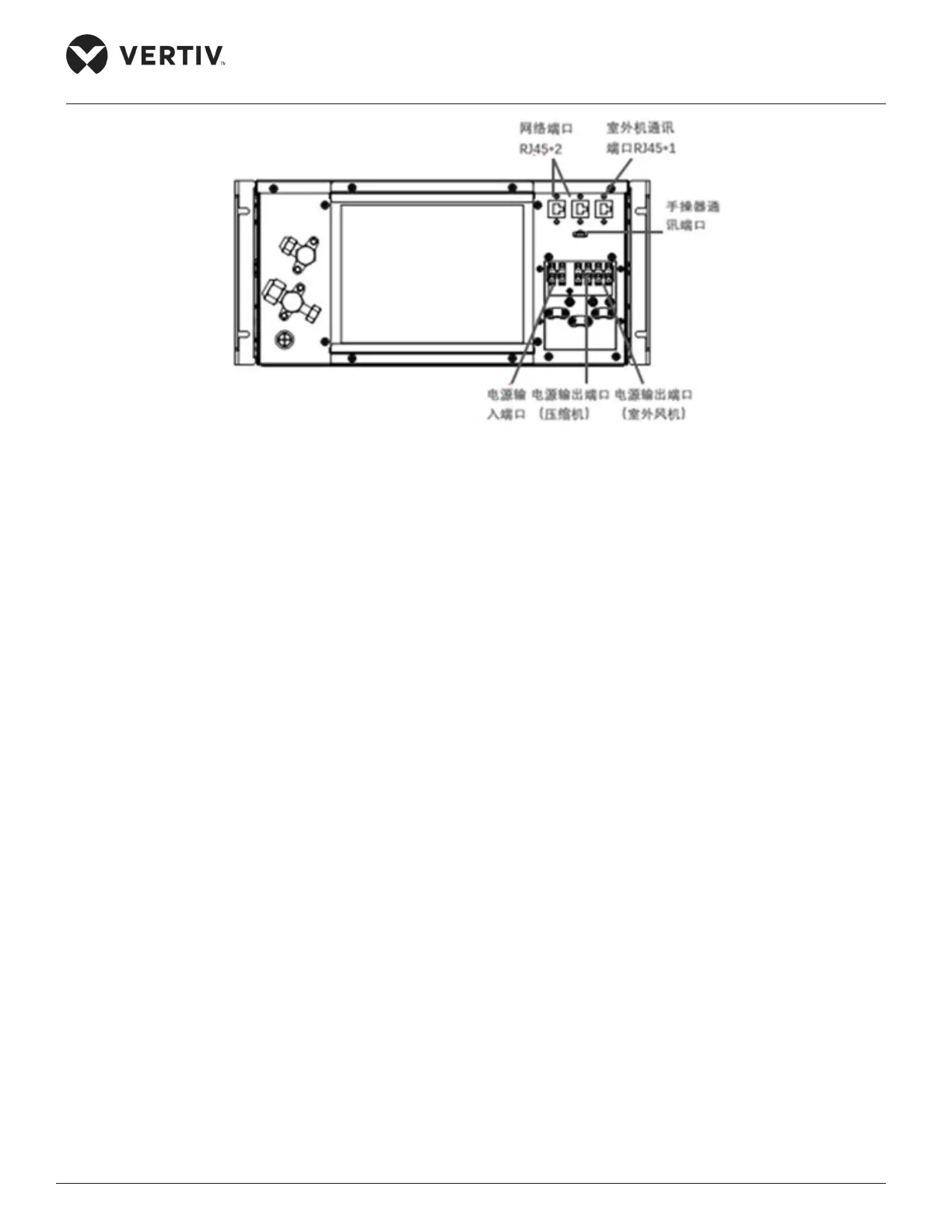
Figure 2-38 Connecting the power cable of the outdoor unit
4. Restore the cover plate.
Connecting the Earth cable
For the earthing process, the following steps need to be observed:
1. The earth hole with the earth label is located at the bottom of the rear door of the cabinet. During
earthing, use a M6 screw to x one end of the earth cable to the earth hole.
2. Pass the other end through the rubber protective ring on the bottom plate to the earth copper bar of the
computer room.



 To Next Page