Vertiv | SmartCabinet | User Manual 80
System Operation
»
enter the IP Address, Port, and other proxy settings as recommended by the Network admin.
»
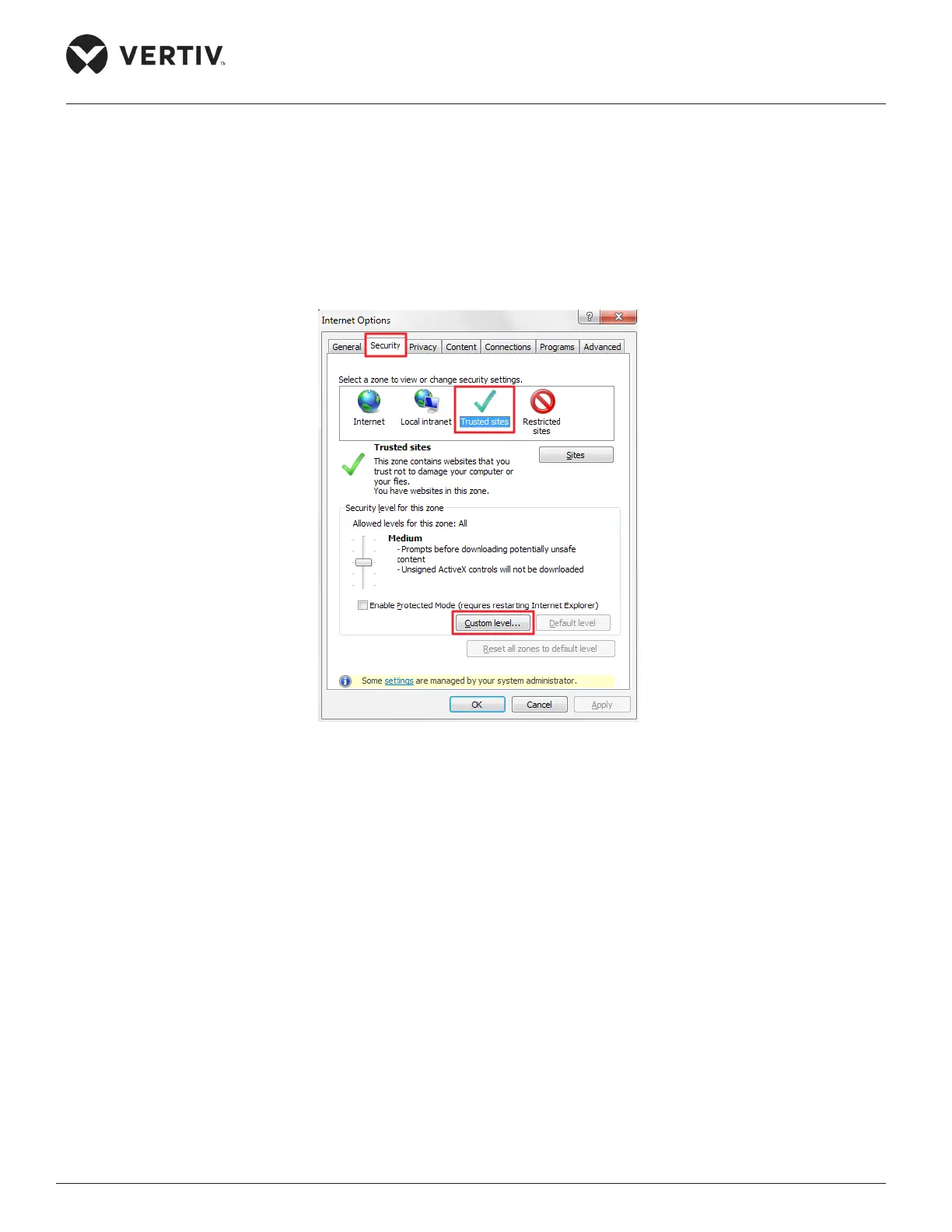
3. IE Security settings
» For security settings, go to the Security tab in Internet Options.
Figure 4-28 Security Settings
» Click on Trusted Sites and then click on the Custom Level button; all buttons and links are
highlighted in the Figure 4-28.
» The following dialog box pops up and set the Reset to function under Reset custom settings to
Medium-low and click on Reset (Refer Figure 4-29)
»



 To Next Page