Vertiv | SmartCabinet | User Manual 79
System Operation
2. IE Proxy Settings
» For setting the IE Proxy Settings, click on the IE icon and just as in the case of General settings, click on
Tools or the Settings Icon and go to Internet Options.
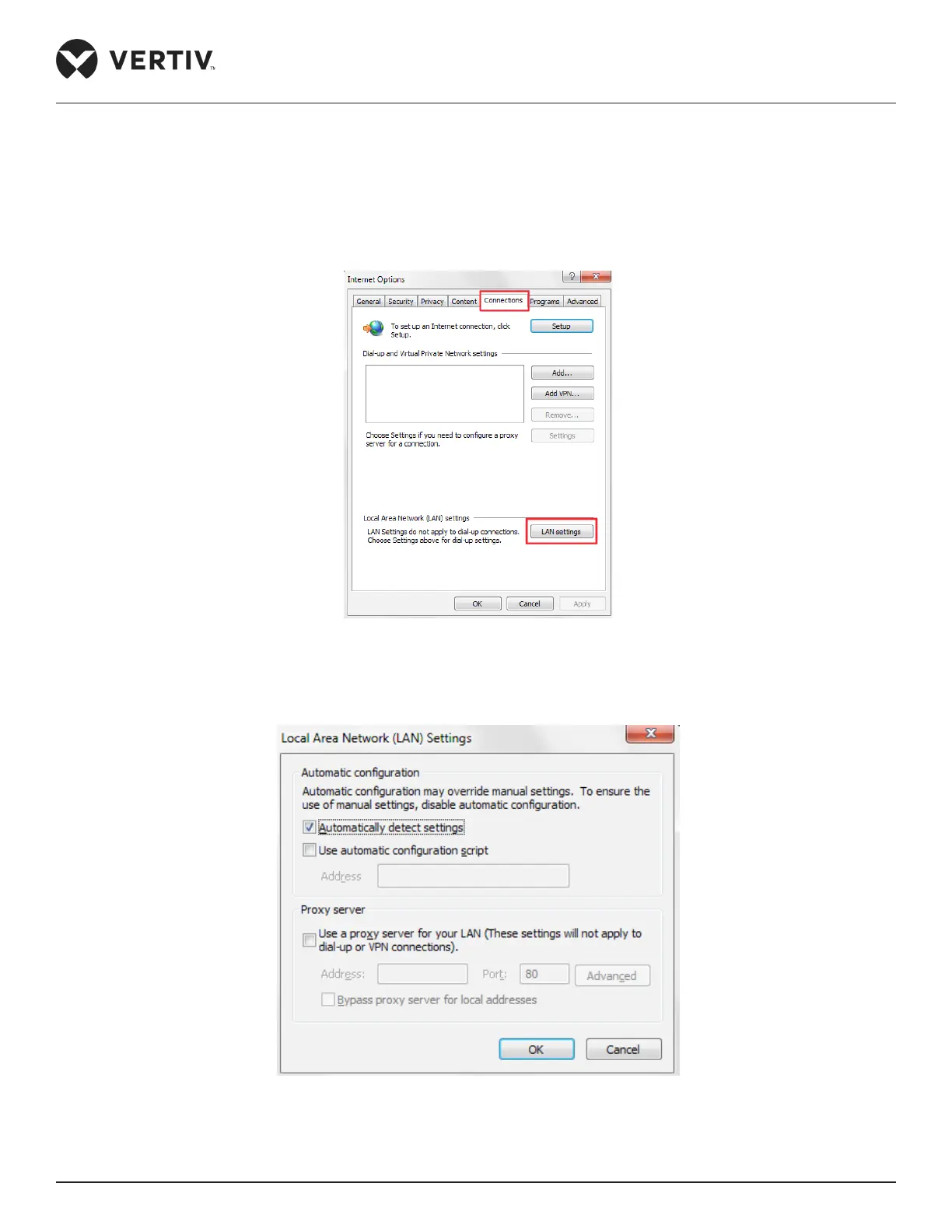
» Click the Connections tab in the Internet Options dialog box. Click LAN Settings (Refer Figure 4-26)
Figure 4-26 Connections tab in IE Internet Options
» On clicking LAN settings, the following dialog box opens up as shown in Figure 4-27:
Figure 4-27 LAN settings dialog box



 To Next Page