Vertiv | SmartCabinet | User Manual 88
System Operation
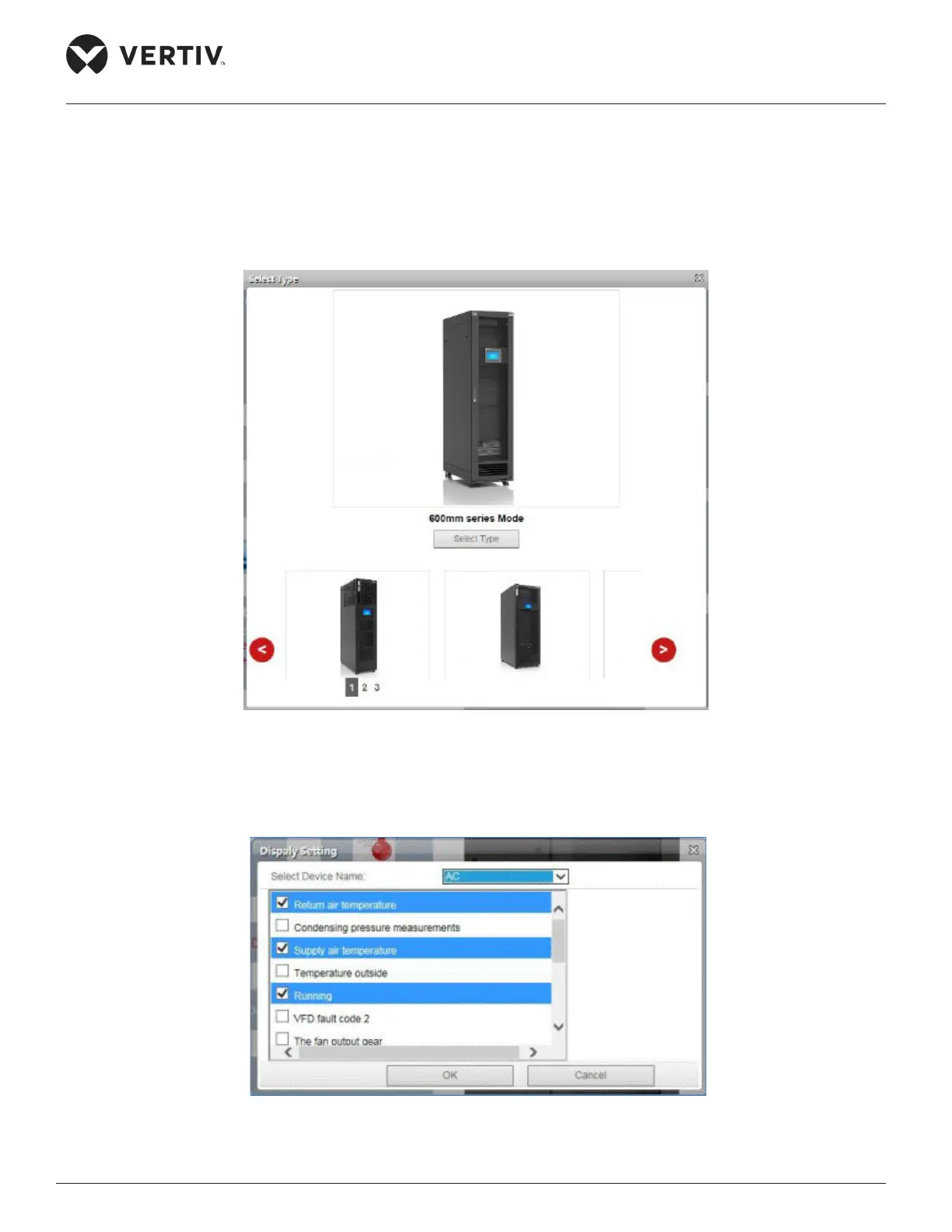
• If the Select Type button is clicked, the following screen as shown in Figure 4-42 is displayed wherein the
picture of the model can be selected.
• Click the left and right icons on either side of the screen to select the picture of the model. Click on the
display the background picture. The screen to select the picture of the model is shown in Figure 4-42.
Figure 4-42 Selecting the Model Type for the Home Page
• The Display settings can be set by clicking on the Set Display button. Click on Set Display and a dialog
box pops up as shown in Figure 4-43.
Figure 4-43 Display settings



 To Next Page