Vertiv | SmartCabinet | User Manual 89
System Operation
•
•
return to the View status.
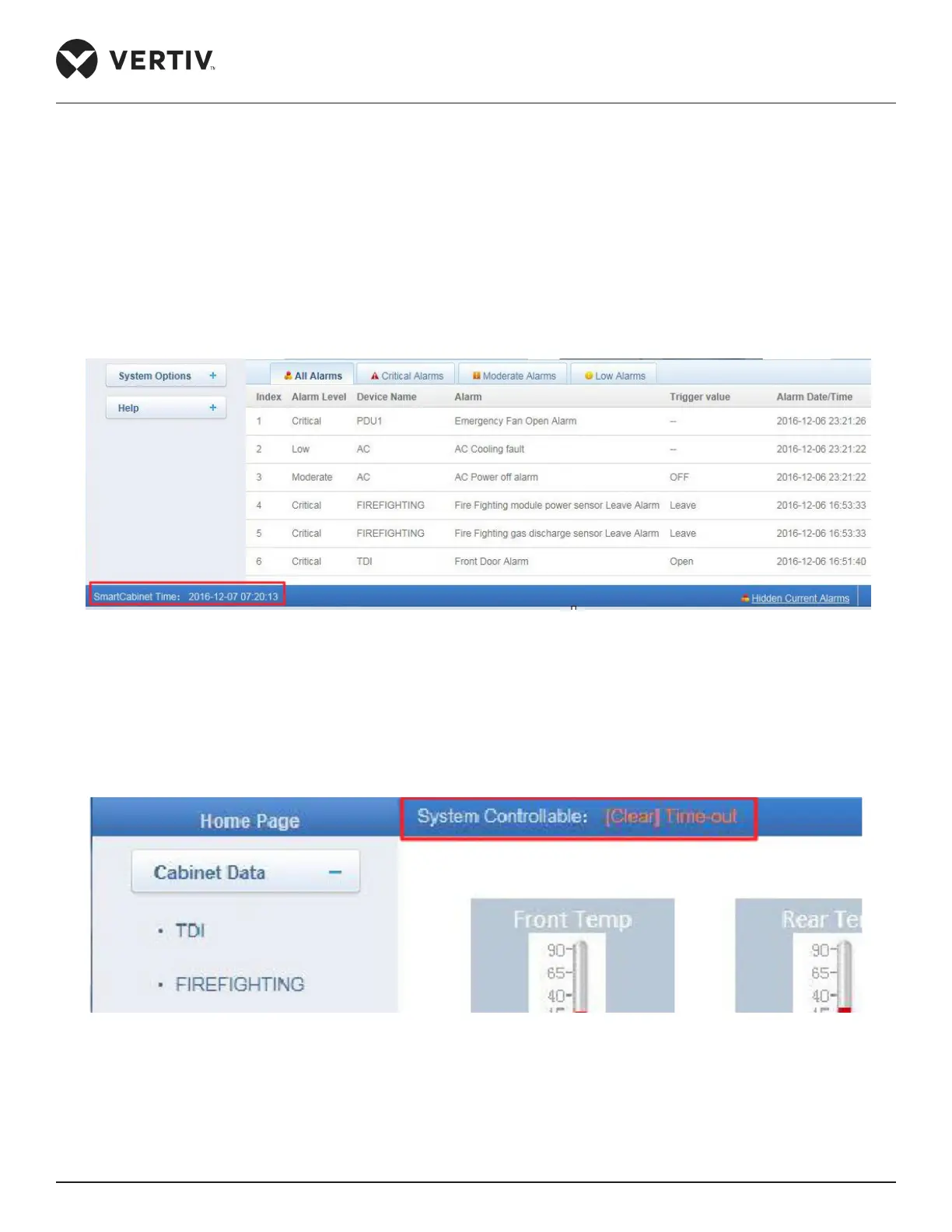
Time Calibrating Link
SmartCabinet time will direct the user to the time calibrating page. Refer to Figure 4-44 to see the Time
calibrating link.
Figure 4-44 Time Calibrating link
Clearing Timeout Function
• When there is no operation on the webpage within 15 minutes or if the screen is dormant for 15 minutes
without any action, the page will become uncontrollable and will display the Clear Time-out link as shown in
Figure 4-45.
Figure 4-45 Clear Time-out Link
• Click [Clear] Time-out link. The screen will prompt for a password. Enter the password in the textbox and
the controllable status will be normalized within a period of 5 seconds. Refer to Figure 4-46 to see the dialog
box where the user will be prompted for a password to resume normal operation.



 To Next Page