78 D-303222 PowerMaster-10 / PowerMaster-30 Installer's Guide
3.14.2 Enabling / Disabling Partitions
To enable or disable the partition feature proceed as follows:
Step 1
Step 3
Select "12:PARTITIONING" menu [1] Select whether to enable of disable
Partitioning
– Enabling / disabling Partitions
[1]
Enter the Installer Menu and select the "12:PARTITIONING" menu (see section 3.2).
[2] Select between "Disable" (default) and "Enable".
3.15 Exiting the Installer Mode
To exit the Installer Mode, proceed as follows:
Step 1
– Exiting the Installer Mode
[1]
To exit "INSTALLER MODE", move up the menu by pressing the button repeatedly until the
display reads [<OK> TO EXIT] or preferably; press the button once which brings you immediately
to the exit screen [<OK> TO EXIT].
[2]
When the display reads [<OK> TO EXIT], press .
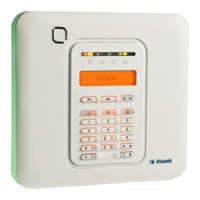
[3] The system exits the “INSTALLER MODE" menu and returns to the normal disarm state while showing the
READY display.
READY 12:00
<OK> TO EXIT



 To Next Page

