Basic Configuration DRS5116
Wren
2003. 09. 06 (v 1.0)
100
16.8.6. Network
There are five sub-menus: Network, xDSL, HRS, Port Setting, and NTP Setting.
16.8.6.1. Network
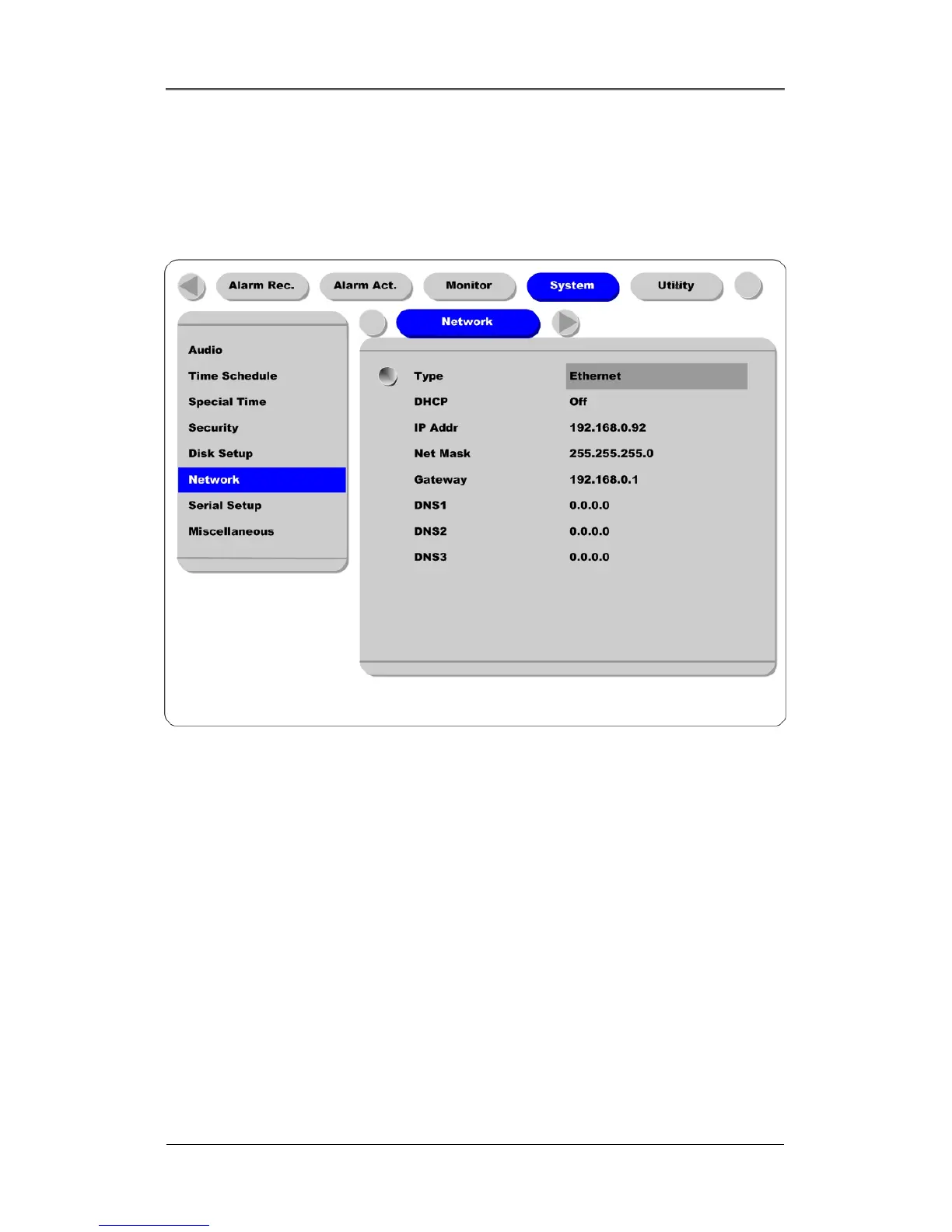
This page is used to define the network type and se tthe network addresses for the DRS.
Type
This is to select proper network interface (Ethernet/xDSL) with which the DRS is connected. If theDRS
is connected with an Internet dedicated line, a cable modem line or on a LAN environment, select the
network interface as ‘Ethernet’.
If the DRS is connected on xDSL line that needs PPPoE process to connect to the Internet, the
administrator should select ‘xDSL.’ However, if the xDSL line does not need PPPoE process, the
administrator should select ‘Ethernet,’ even though the DRS is connected on xDSL line.
DHCP
This menu is for the lines that have Ethernet interfaces such as Internet dedicated line, cable modem line
and LAN. If the administrator activates the ‘DHCP’ menu, all addresses are set automatically by the
DRS detecting them from the DHCP server of your ISP. The detected addresses are not displayed on the
screen. The addresses do not need to be entered manually unless the ‘DHCP’ is disabled



 To Next Page