Installation and Connection DRS5116
Wren
2003. 09. 06 (v 1.0)
18
Installation and Connection
4. Connecting & Running
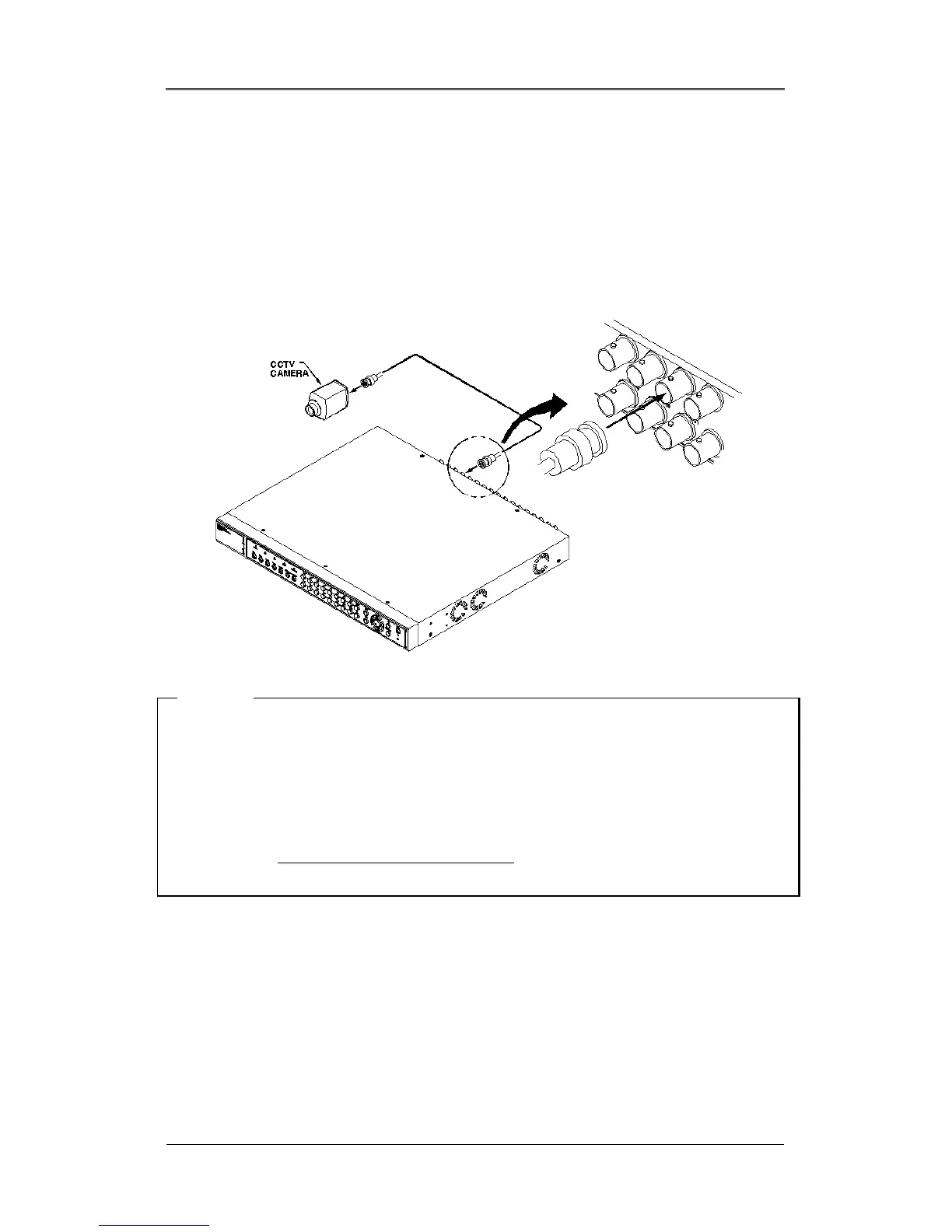
4.1. Connecting Camera
(1) Connect the CCTV camera to the DRS with the BNC cable as shown below.
<Note>
1. The video type for all channels should be either NTSC or PAL.
2. The DRS sets video signal’s impedance (75Ω) automatically. Impedance is set as 75Ω. When
connecting a device to video output, impedance will be “Hi-z” status.
3. Video type (NTSC/PAL) should be changed prior to installing the DRS Unit. To change the
video type, it is recommended to contact the closest local Wren distributor. When changing it,
refer to “Appendix #2. Changing Video Type
”. Wren is not responsible for any service
warranty about a problem due to careless change.



 To Next Page