Basic Configuration DRS5116
Wren
2003. 09. 06 (v 1.0)
71
15.3. Copy / Backup / Delete Data Manager
The Data Manager can be used to copy/backup/delete the recorded data. This menu is activated
duringthe playback mode.
- Press the [SELECT] button and the [MENU] button in the playback mode.
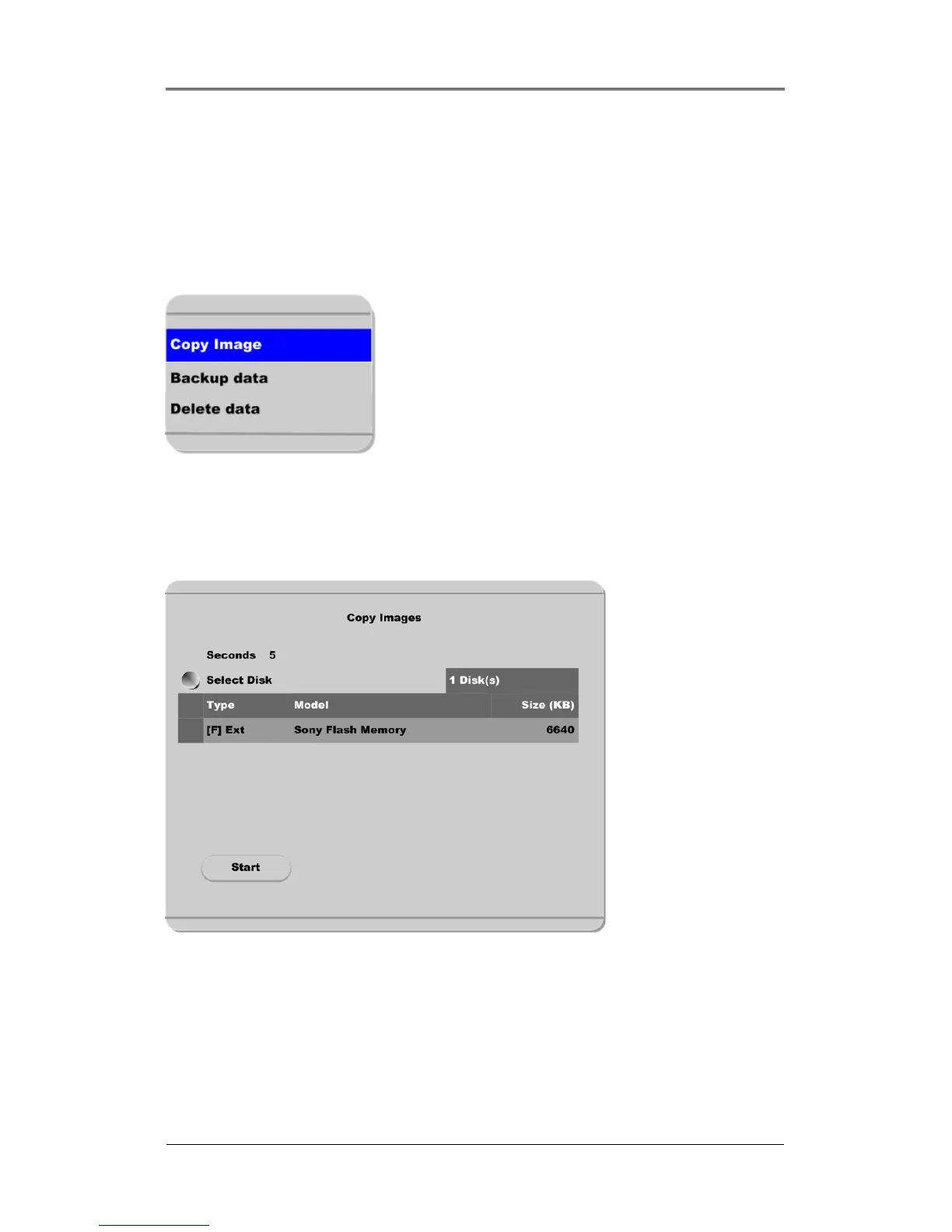
15.3.1. Copy Data
The Copy Data function is used to copy a specific data with a USB memory stick.
Seconds
The Seconds menu is used to designate the copy range between 1 and 60 seconds.
Select Disk
Select copy disk.



 To Next Page