Basic Configuration DRS5116
Wren
2003. 09. 06 (v 1.0)
70
<Button control>
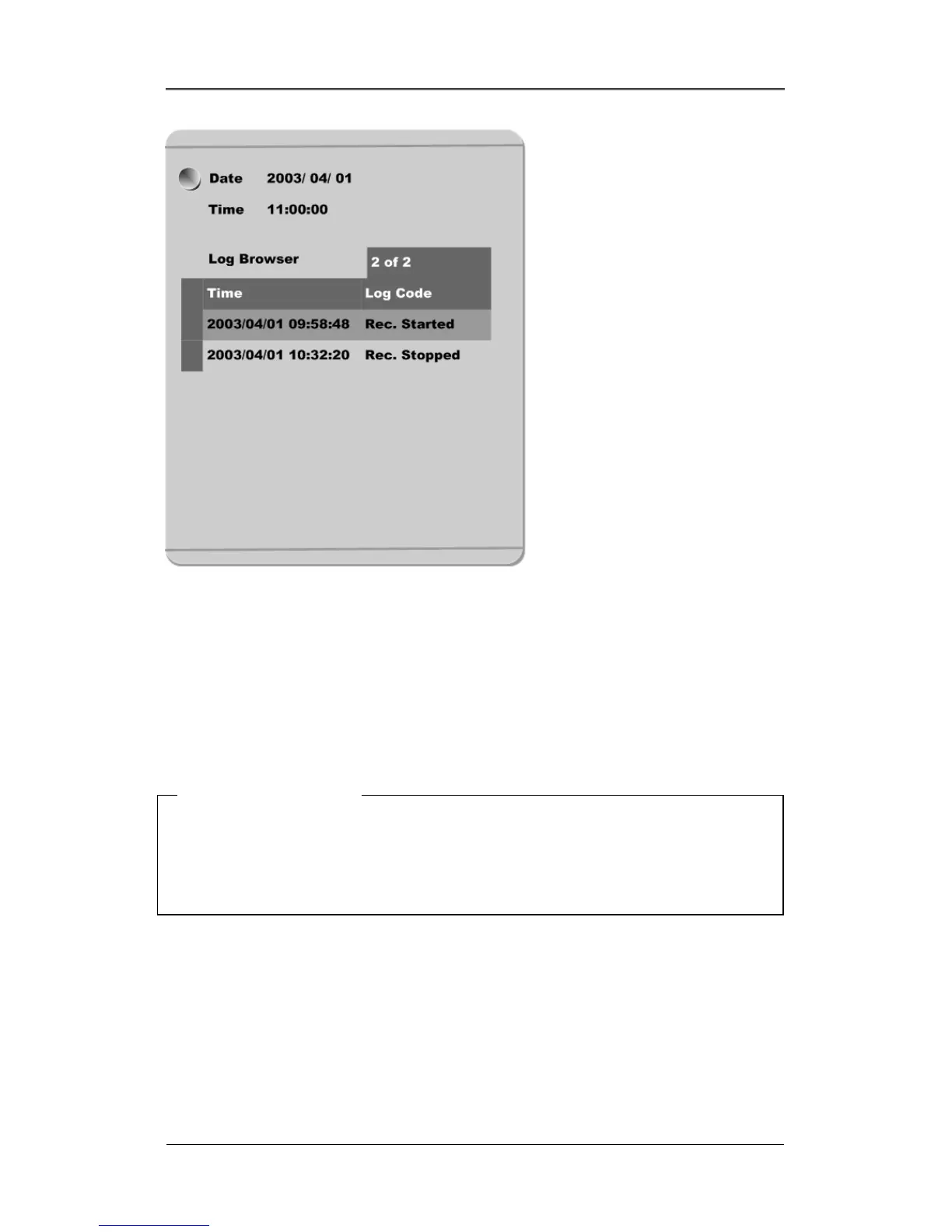
- Press the [SEARCH] button in playback mode.
- Search for data by entering Date/Time or by selecting an event from the Event Log browser.
- Press the [ENTER] button after entering the desired Date/Time or select from the Event Log browser.
- The selected images will begin to playback.
- To exit from search mode, press the [EXIT] button.
<Note> Using Log
Browser
1. To move to the previous/next page, press the "Left" or "Right" buttons.
2. To move to the previous log entry, press the "Up" button.
3. To move to the next log entry, press the "Down" button.



 To Next Page