Installation and Connection DRS5116
Wren
2003. 09. 06 (v 1.0)
35
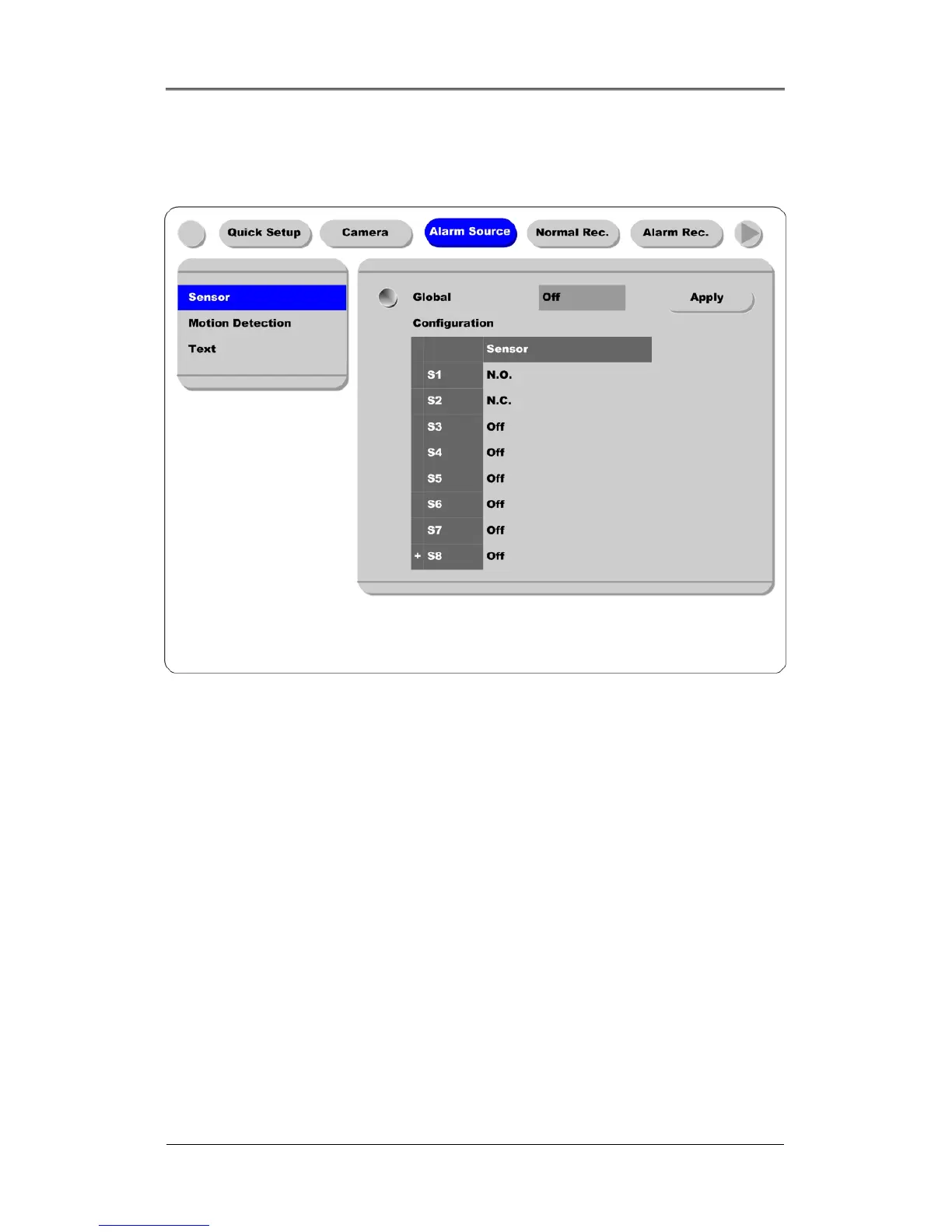
9.1.3. Configuring Sensor at OSD Menu
* DRS5016 / 5116 Models *
(1) Press the [Menu] button, and select the “Alarm Source” among OSD menus.
(2) Select the “Sensor” menu and press the [Enter] button to move to the sub-menu.
9.1.3.1. Global
The “Global” is used for setting 16 sensors simultaneously to one of three types;
Off/Normal Open
(NO)/Normal Close (NC).
(1) Select “Global” and set a type.
(2) Press the “Apply” button in order to confirm the setting value.
9.1.3.2. Configuration
The Configuration is used for setting 16 sensors separately. Select and set each sensor.
(1) Select “Configuration” and press the [Enter] button.
(2) Select a sensor (S1 ~ S16) and set its type.
(3) Press the [Exit] button after setting.



 To Next Page