Basic Configuration DRS5116
Wren
2003. 09. 06 (v 1.0)
68
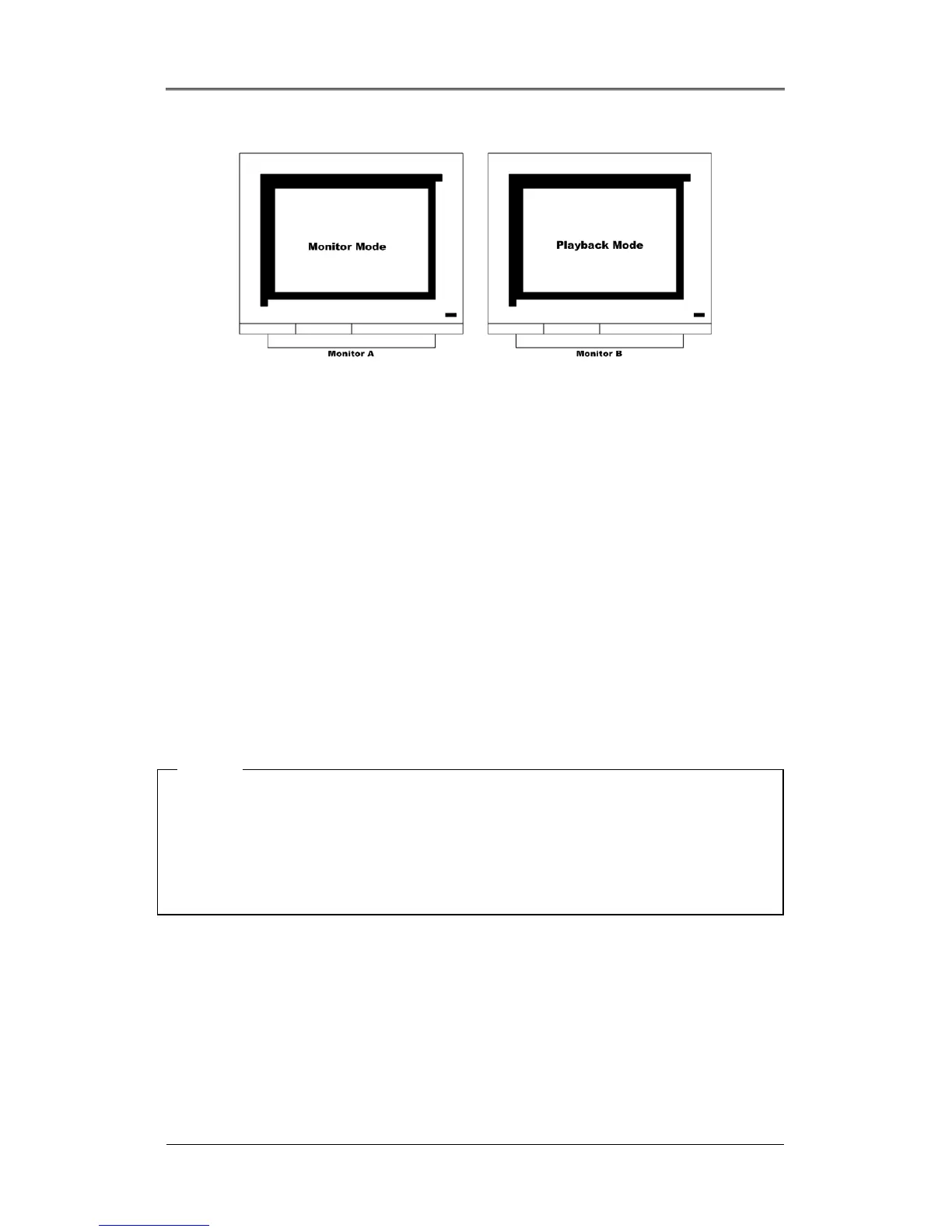
14.10.3. 1 Ch Playback
The administrator can monitor multi-cahnnels by split screen mode in Monitor A, and search/playback
one channel by single full screen in Monitor B simultaneously.
15. Playback
Playback is used to replay recorded images in full screen or a split screen (4/9/16) mode depending on
the model installed.
15.1. Playback via Various Mode
15.1.1. Playback via Basic Screen (Full Screen)
- Press the Play [►] button in the monitoring mode.
- The Play [►] button will begin playback of the last 30 seconds of recorded video at 1X speed.
<Note>
When pressing the play button in the multi-monitoring mode, channel 1 is always the channel dis
layed.
More specifically, images recorded on Channel 1 during the last 30 seconds are always displayed.
However, pressing the playback button in the single-channel monitoring mode will display the selected
channel. To display another channel, press the corresponding number button on the front of the DRS
Unit.
15.1.2. Playback via a Split Screen (4/9/16)
- Press the [MULTI] button during basic (single-channel) playback mode.
- Channels 1 to 4 will be displayed in the quad-split screen.
- To display a single channel, press the corresponding number button on the front of the DRS.



 To Next Page