Installation and Connection DRS5116
Wren
2003. 09. 06 (v 1.0)
53
12.3. Uninstalling DVR manager
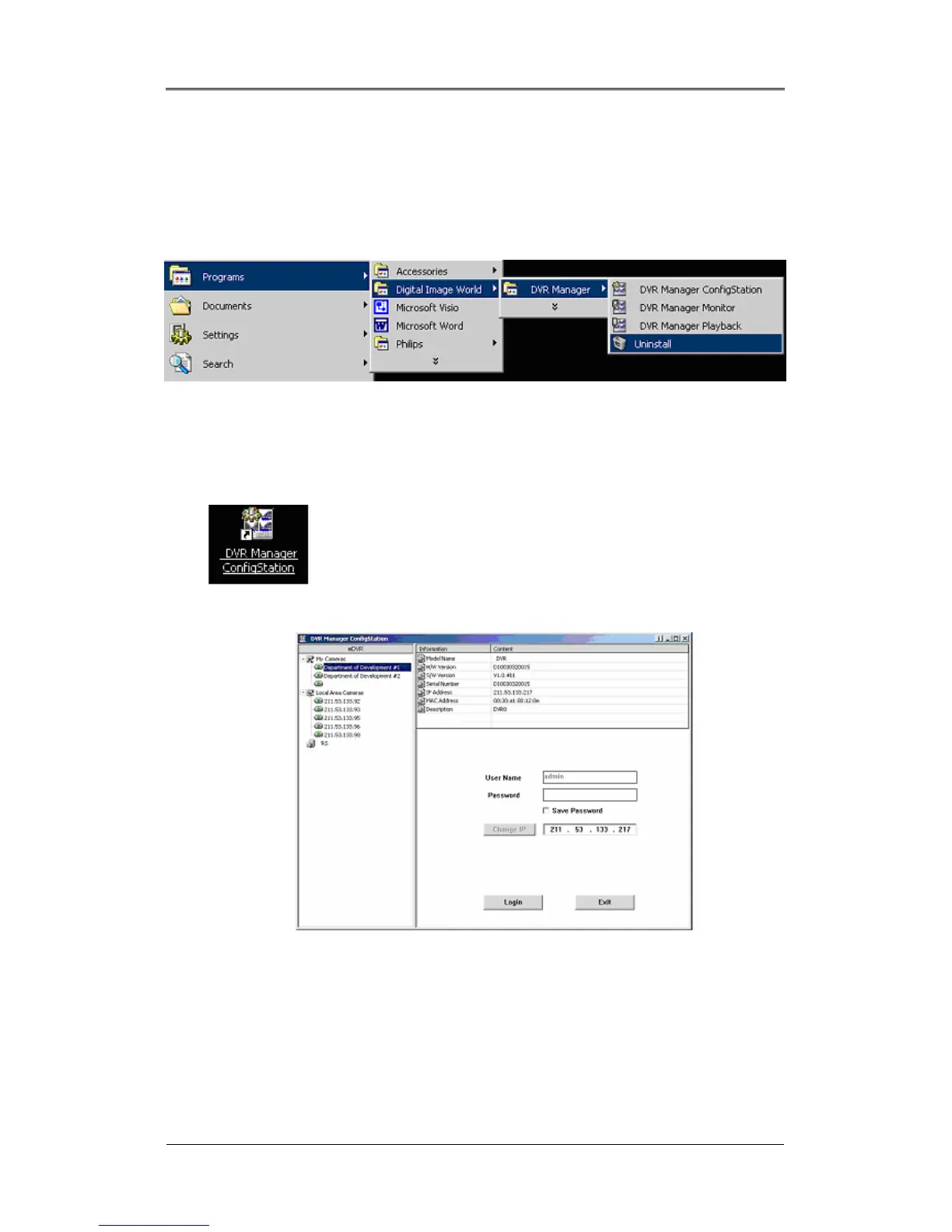
(1) Click Windows “Start” Button.
(2) Select and click the ‘Uninstall’ icon to run the Uninstall Shield.
(3) The DVR Manager program will be automatically deleted.
12.4. Configstation
Click icon on desktop to run “DVR Manager Configstation” program.



 To Next Page