Installation and Connection DRS5116
Wren
2003. 09. 06 (v 1.0)
52
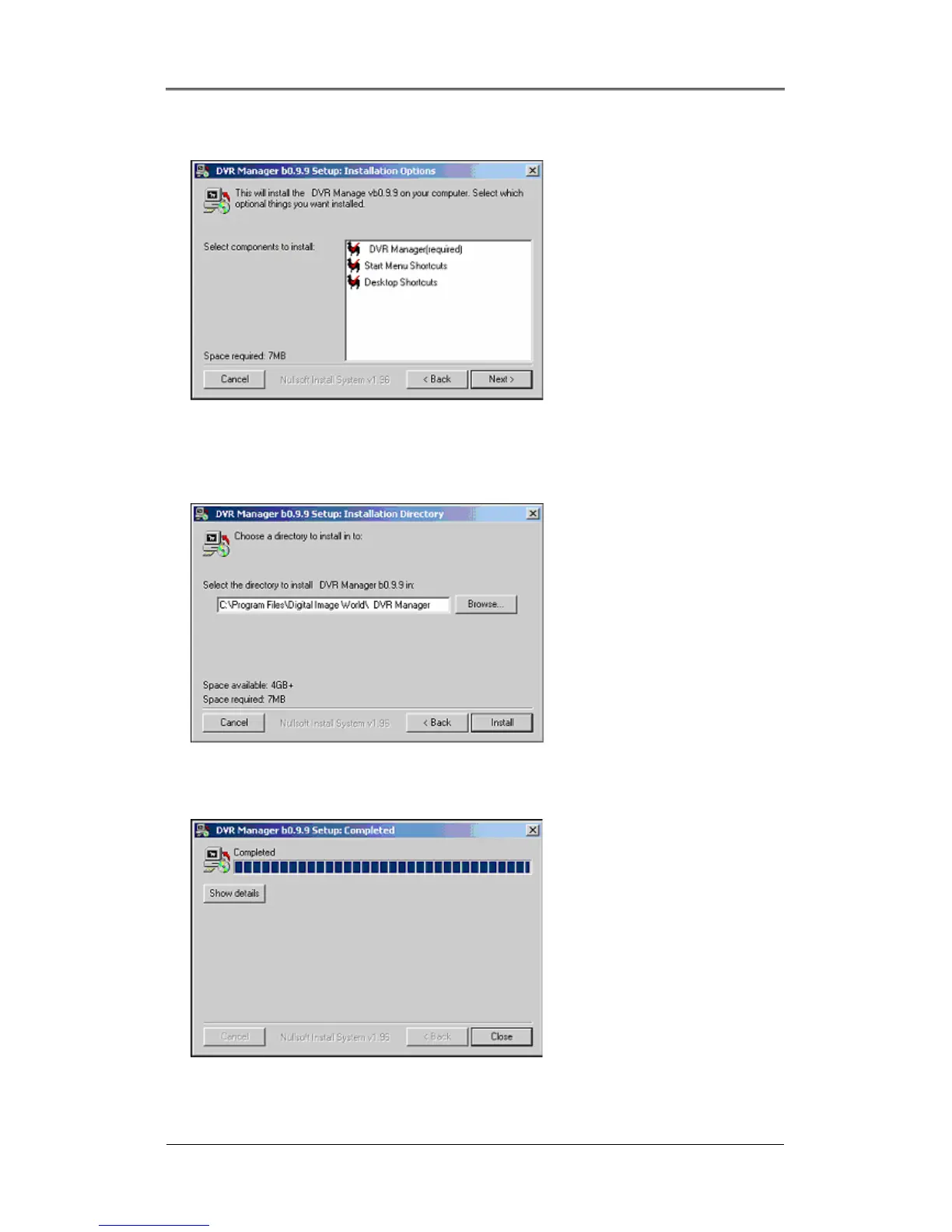
(4) Select which components to install and press the “Next” button.
(5) Browse and choose a directory if the default directory is not preferred. Click the “Install” button,
after selecting a directory to install.
(6) Click the “Close” button after the DVR Manager program is installed successfully.



 To Next Page