Installation and Connection DRS5116
Wren
2003. 09. 06 (v 1.0)
20
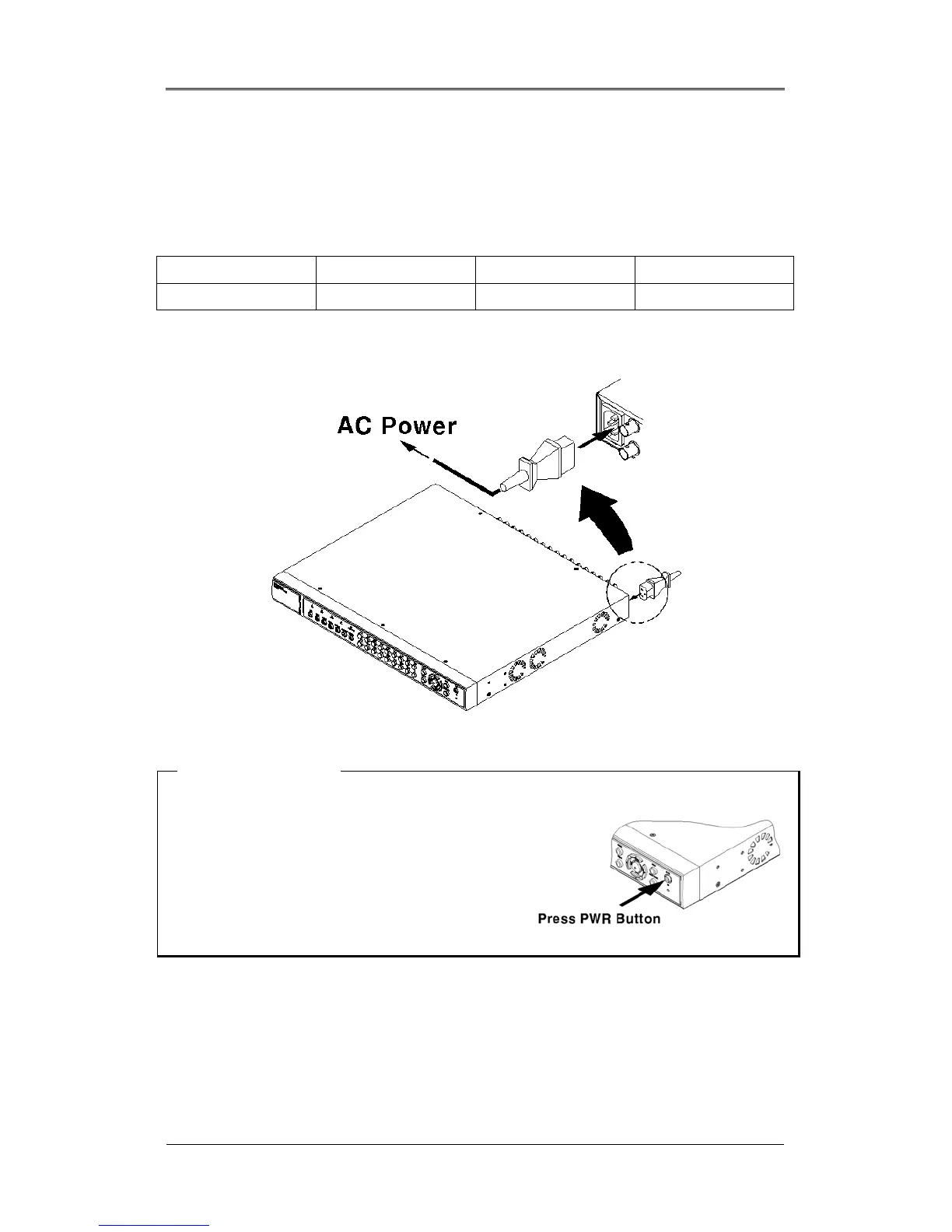
4.4. Supplying Power
(1) Connect the power cable.
* Care should be taken to apply proper voltage to avoid damage to the
DRS Unit *
DRS5004 DRS5008 DRS5016 DRS5116
12VDC supplied 12VDC supplied 110 ~ 220VAC 110 ~ 220VAC
DRS5016 & DRS5116
5000 Series Note
1. When supplying power, the DRS starts booting
automatically.
2. When pressing the power switch during the first 5
seconds, a dialogue box will require an admin password.
In order to cut off power, key in the password.
3. For supplying power again, push the power switch.



 To Next Page