Installation and Connection DRS5116
Wren
2003. 09. 06 (v 1.0)
19
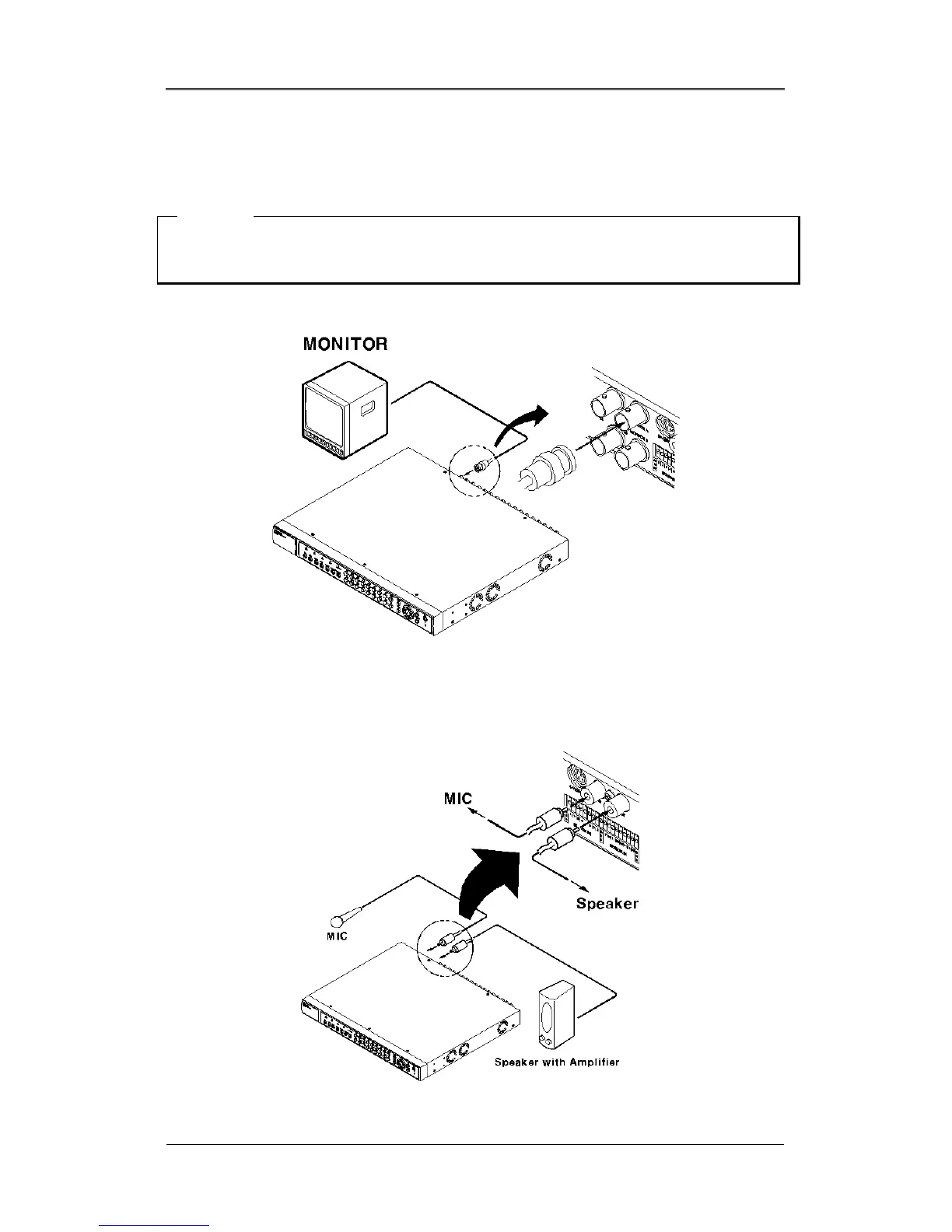
4.2. Connecting Monitor
(1) Connect the CCTV monitor to the DRS Unit with the BNC cable as shown below.
<Note>
The DRS5116 has two monitor output ports for A (Normal) and B (Spot). When connecting only one
monitor, use monitor A. DRS5004/5008/5016 have single monitor outputs.
4.3. Connecting Audio
(1) Connect the audio signal to the DRS using the RCA cable.



 To Next Page