Installation and Connection DRS5116
Wren
2003. 09. 06 (v 1.0)
49
11. Network Monitoring & Managing
The DRS can be accessed, controlled, and managed from a remote site via Internet/Intranet.
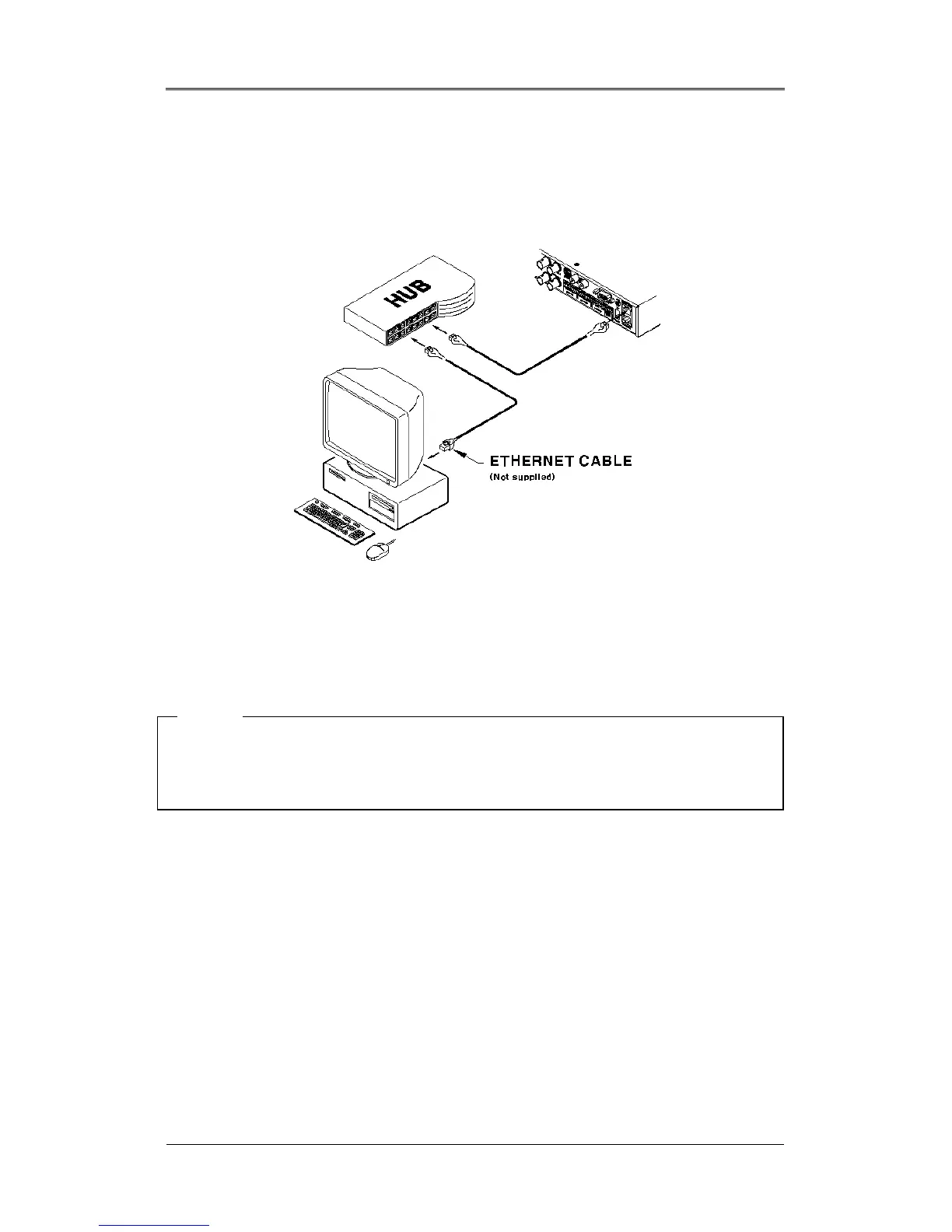
11.1. Connecting Ethernet
(1) Turn off the DRS power switch.
(2) Connect the DRS to hub with Ethernet cable.
(3) Turn on the DRS power switch.
<Note>
1. Supply power to the DRS after connecting Ethernet cable to protect against electrical damage
2. Check cable connection status.
3. Check LED on the DRS rear panel after supplying power.



 To Next Page